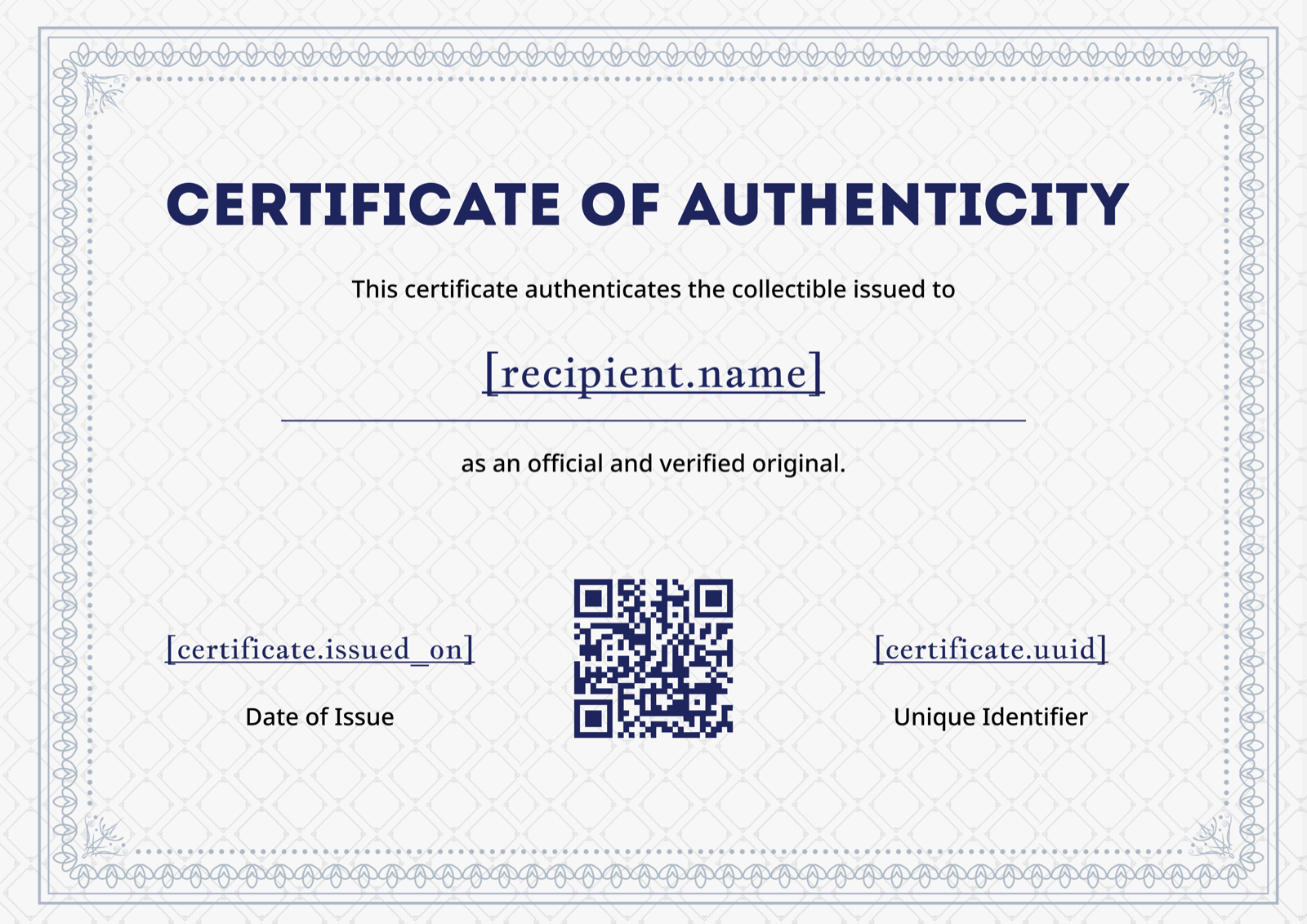
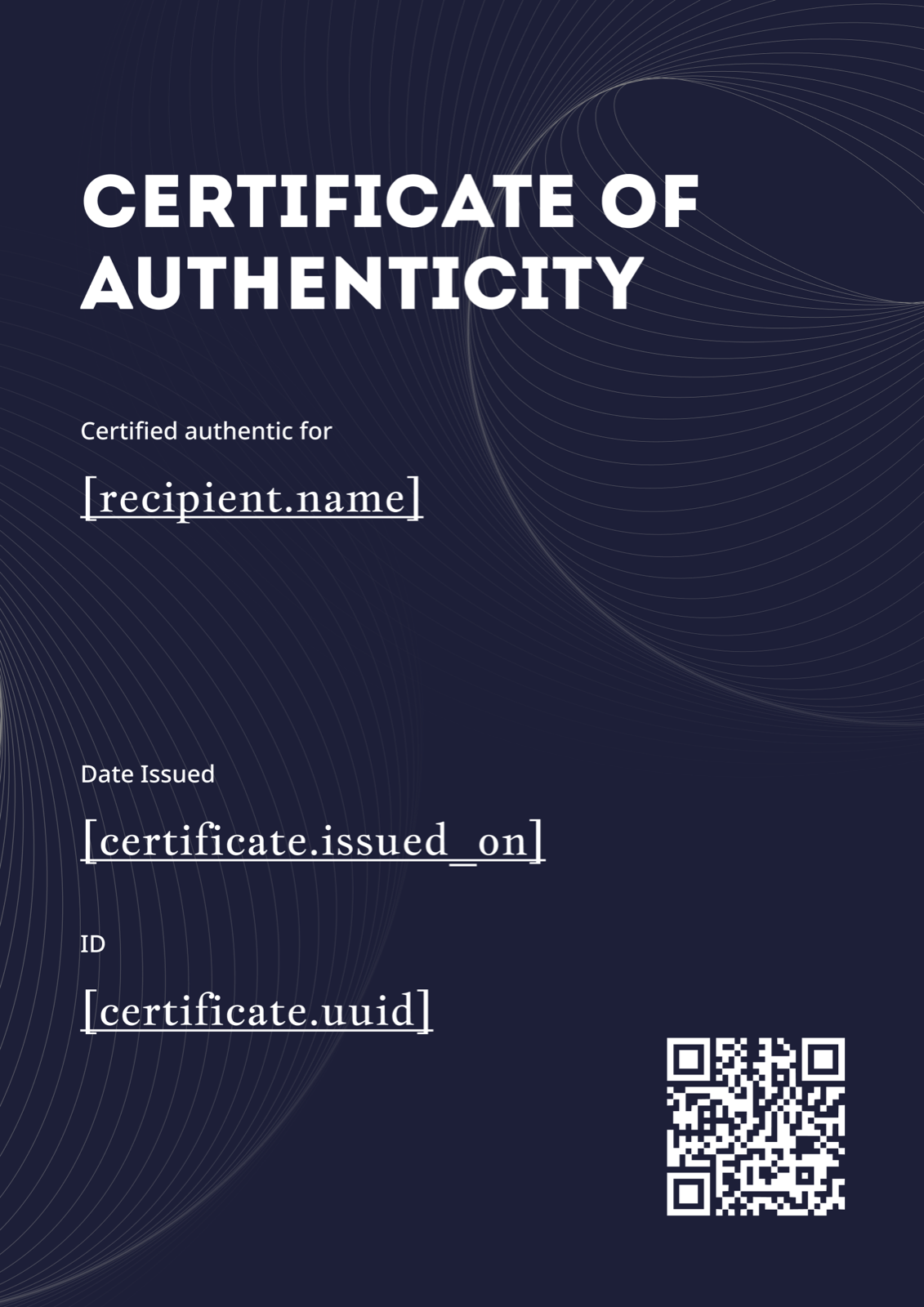
From attendee CSV to issued certs in under a minute. Connect Zoom, Google Meet, or Webex — CertFusion generates, brands, and emails every webinar certificate for you, with a verifiable page for each one.
Plugs into your webinar stack

Just need a one-off cert? Use our free certificate generator — no signup required.
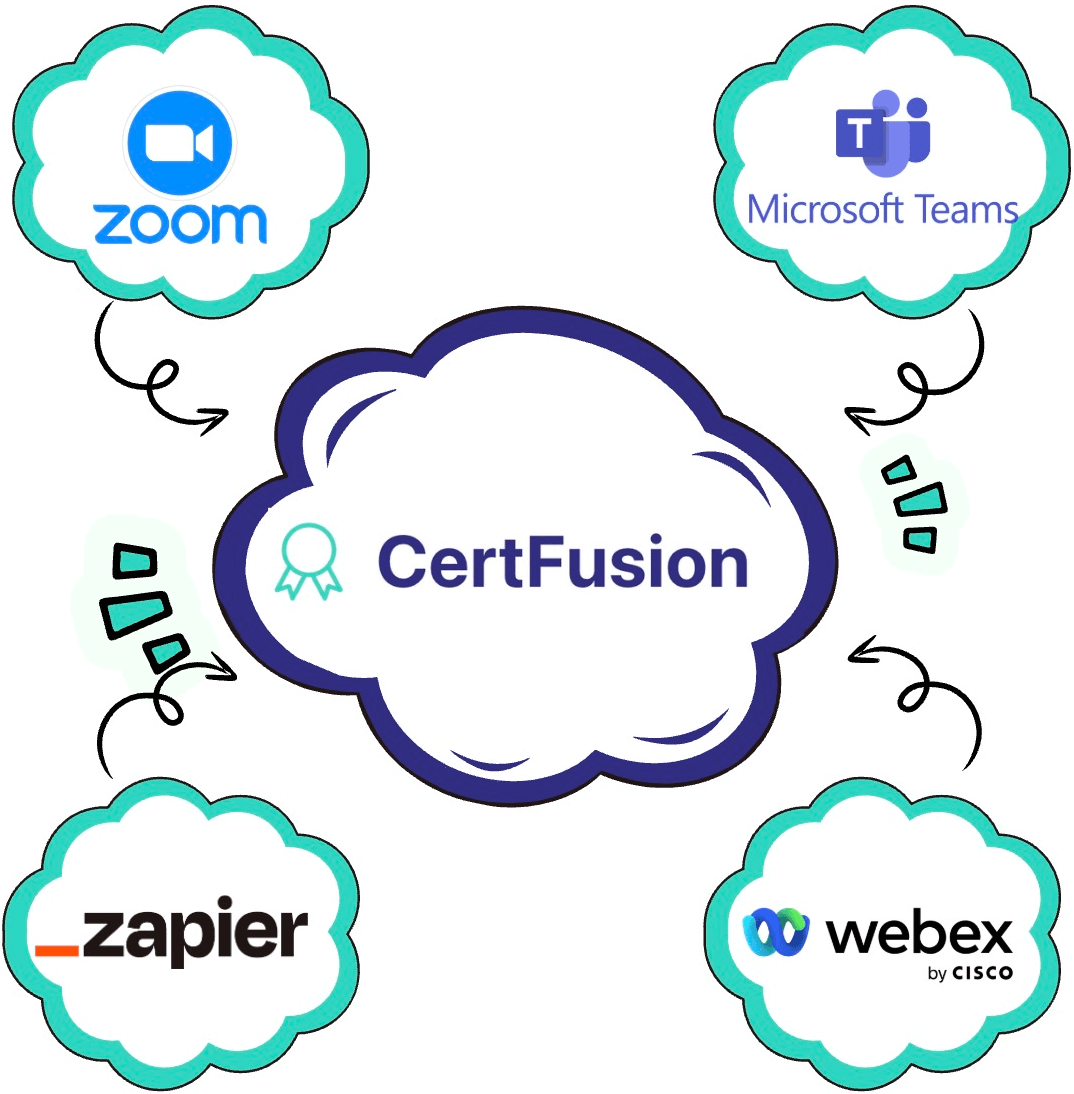
CertFusion pulls attendee data straight from your platform. No CSVs, no copy-paste, no missed certs.
Pulls attendee email + session duration from both Zoom Webinars and Zoom Meetings.
Pulls attendee list + join/leave times from your Calendar-linked Meet sessions.
Pulls registrant list + attendance status from Webex Webinars and Events.
Auto-issues to every form submitter via the CertFusion add-on. Auto-generate certificates from Google Forms →
Trigger certs from any of 5,000+ apps — Eventbrite, HubSpot, Airtable, and more.
No integration? Drop in a spreadsheet of attendees and issue certificates in one click.
Three steps. First webinar certificate out the door in under 60 seconds.
Sync Zoom, Google Meet, or Webex in one click — or drop in an attendee CSV if your platform isn't listed. CertFusion pulls names, emails, and attendance automatically.
Start from a webinar-ready template, swap in your logo, colors, and signature. No designer, no Canva, no Photoshop.
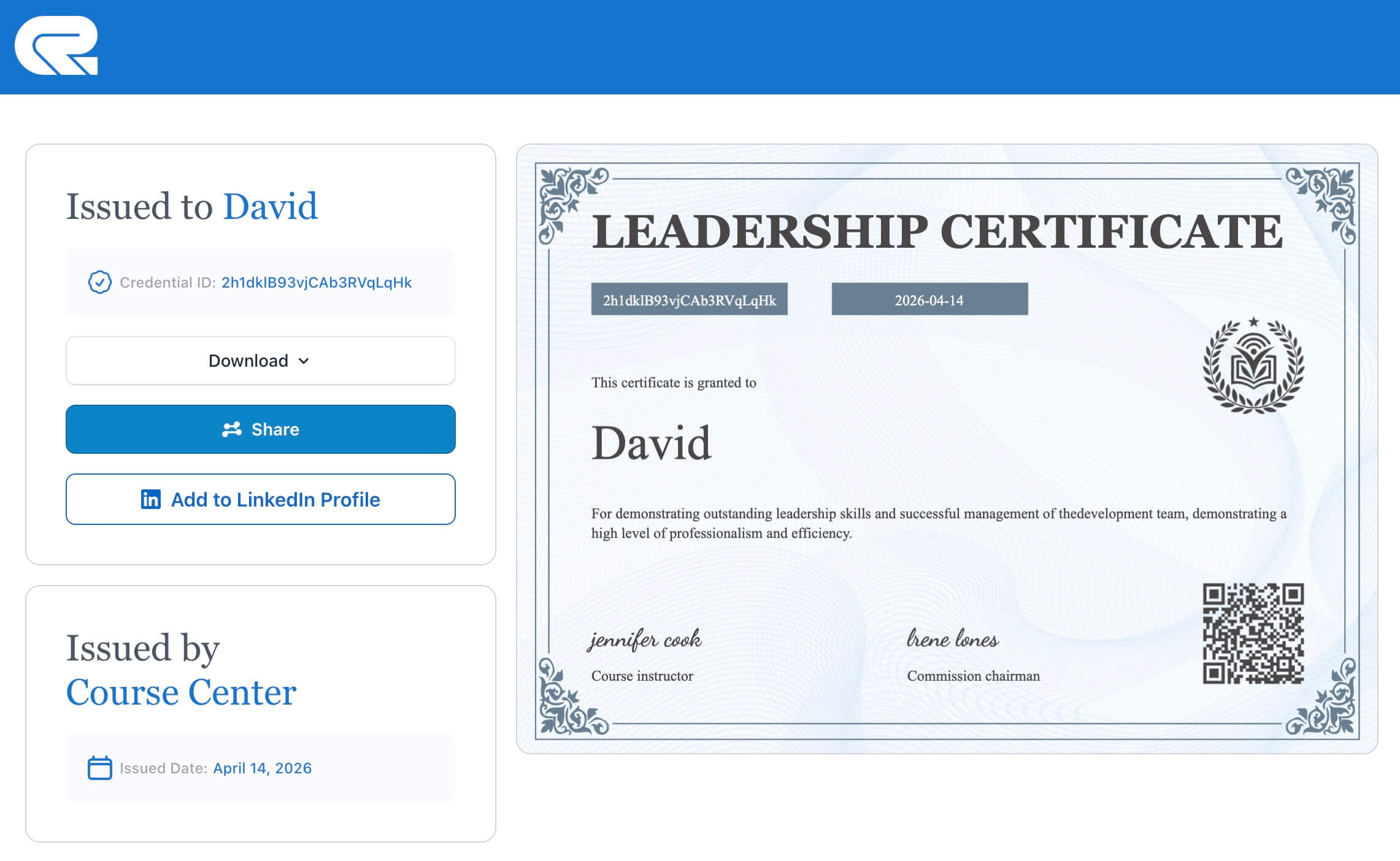
Every attendee gets a verifiable, shareable certificate by email — with a public verification page and a LinkedIn-ready share link.
The boring parts of post-webinar admin, automated.
Issuing 200 webinar certificates used to be a half-day job. With auto-issue, it happens while you're clearing the chat queue.
Every webinar certificate gets a unique verification URL + QR code. Hiring managers and CPD auditors confirm it's real in one click.
Attendees post their certificate to LinkedIn with one tap — and every share is free organic marketing for your next webinar.
See exactly who downloaded, shared, or ignored their certificate. Follow up with the ones who didn't — or re-target the ones who did.
Typo on 80 certificates? Fix the template, click re-issue, and every attendee gets the corrected version — with the same verification link.
Recipients get a unique URL like certfusion.com/verify/abc123
they can share in their email signature, LinkedIn, or portfolio. Auditors, employers, and CPD
bodies can confirm the certificate is real — without logging in, without calling you.
certs.yourcompany.com)
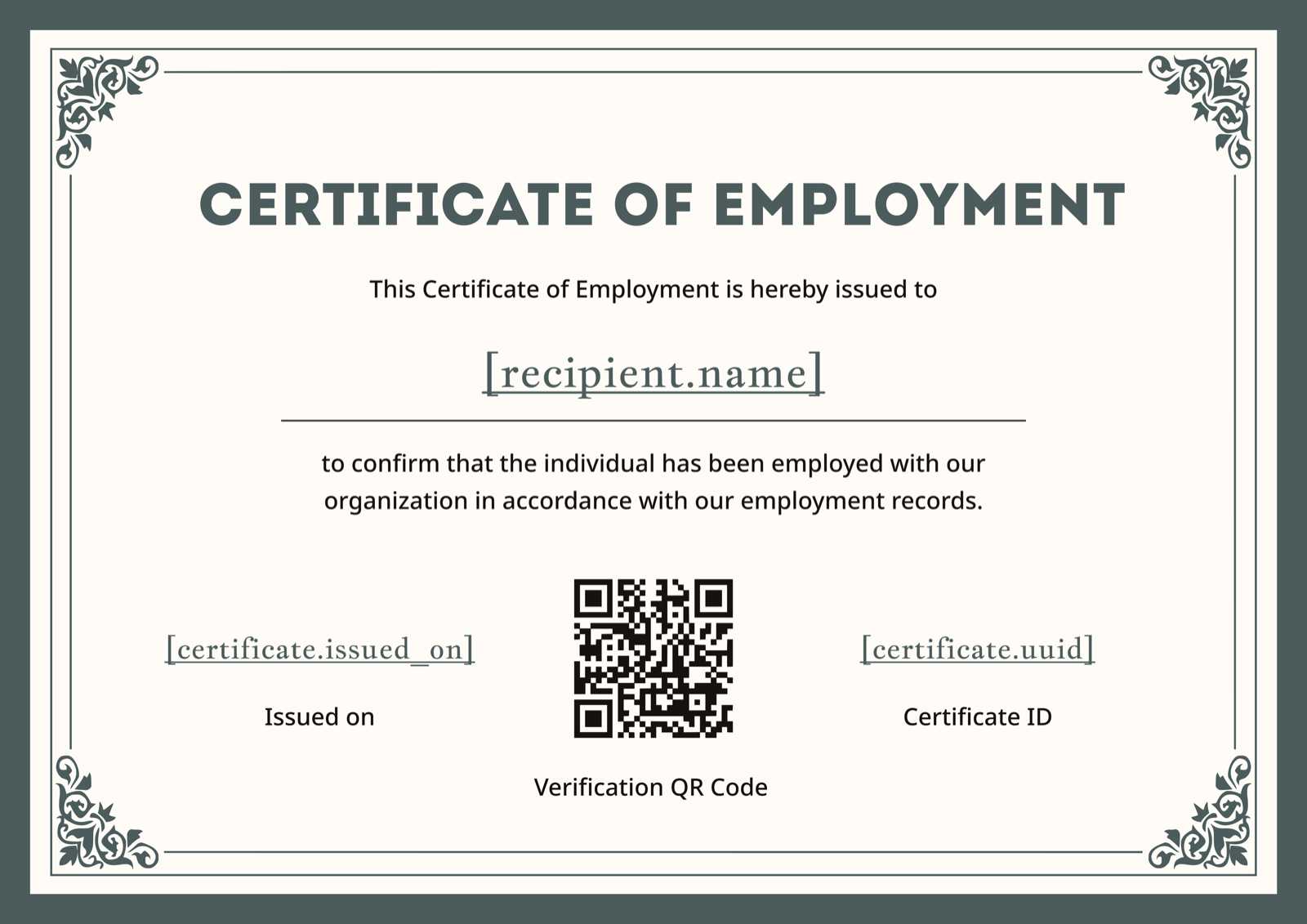
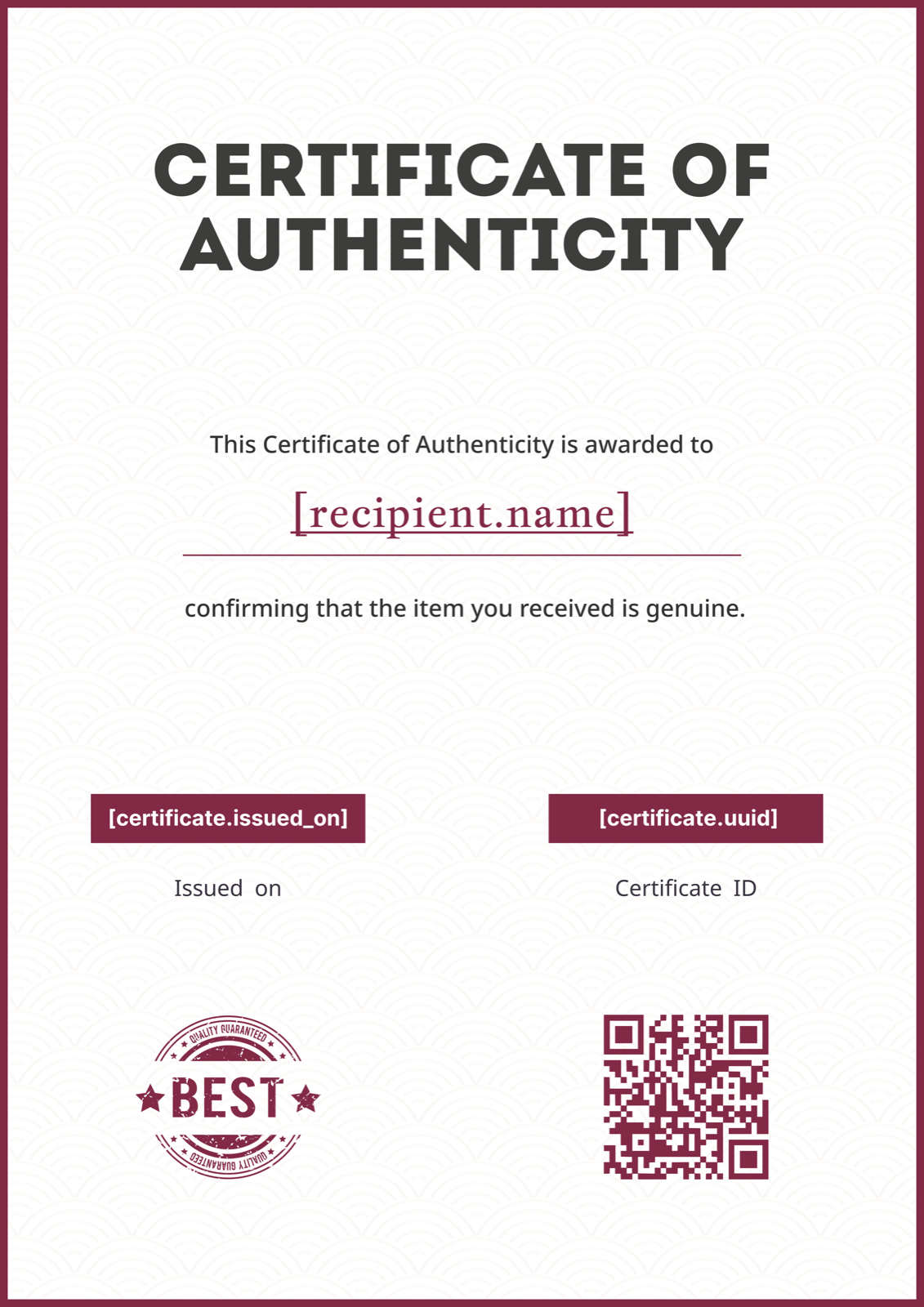
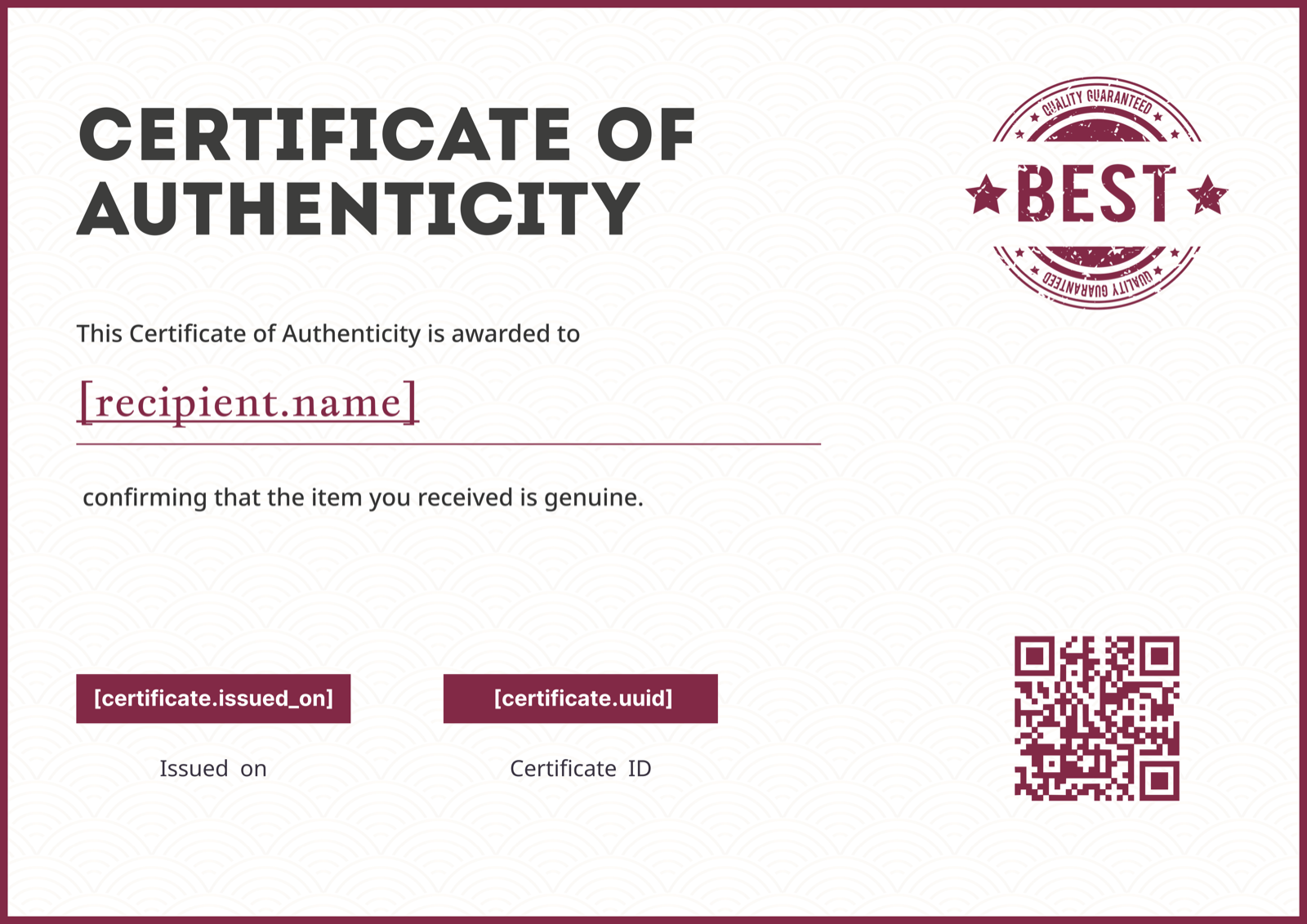
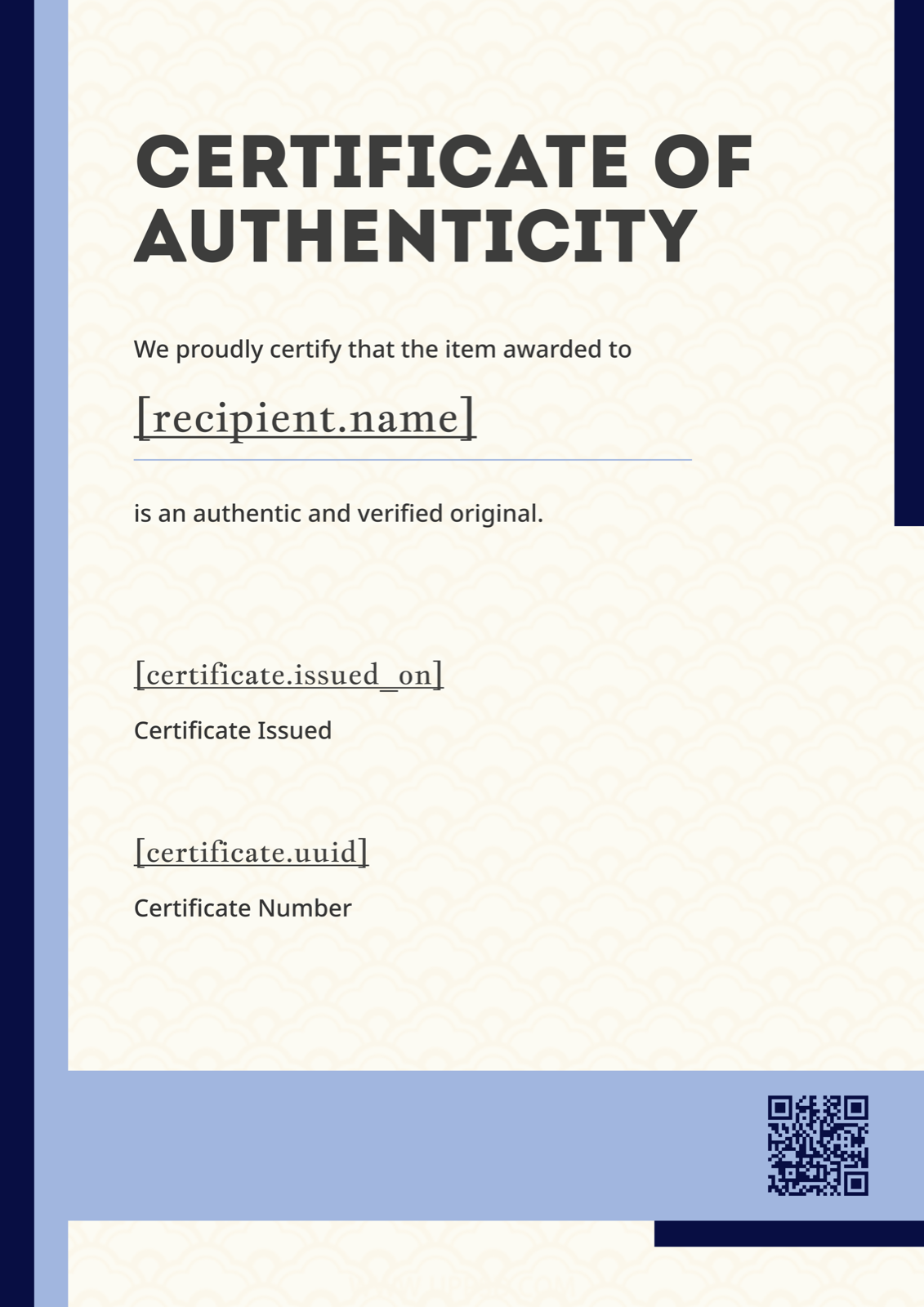
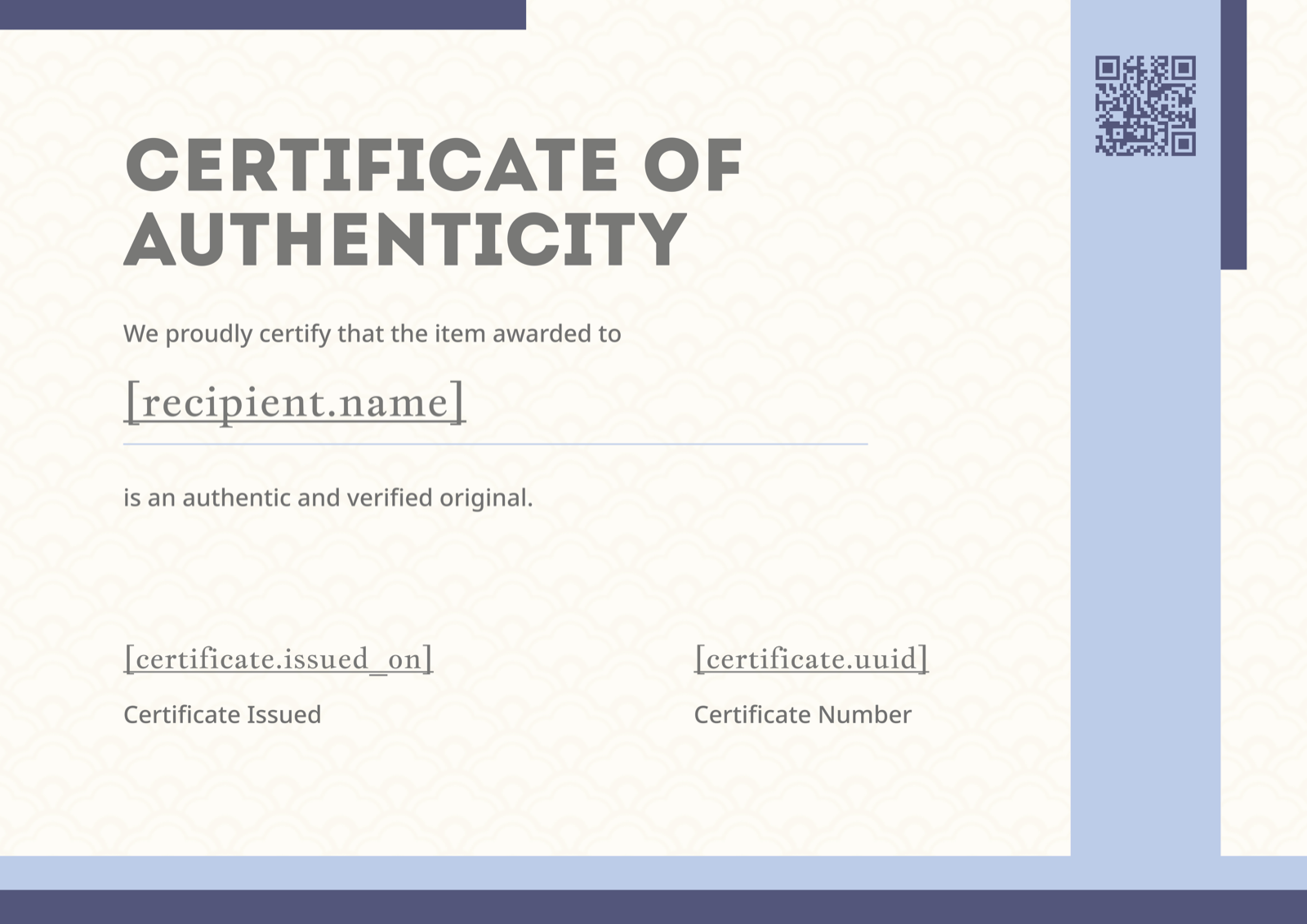
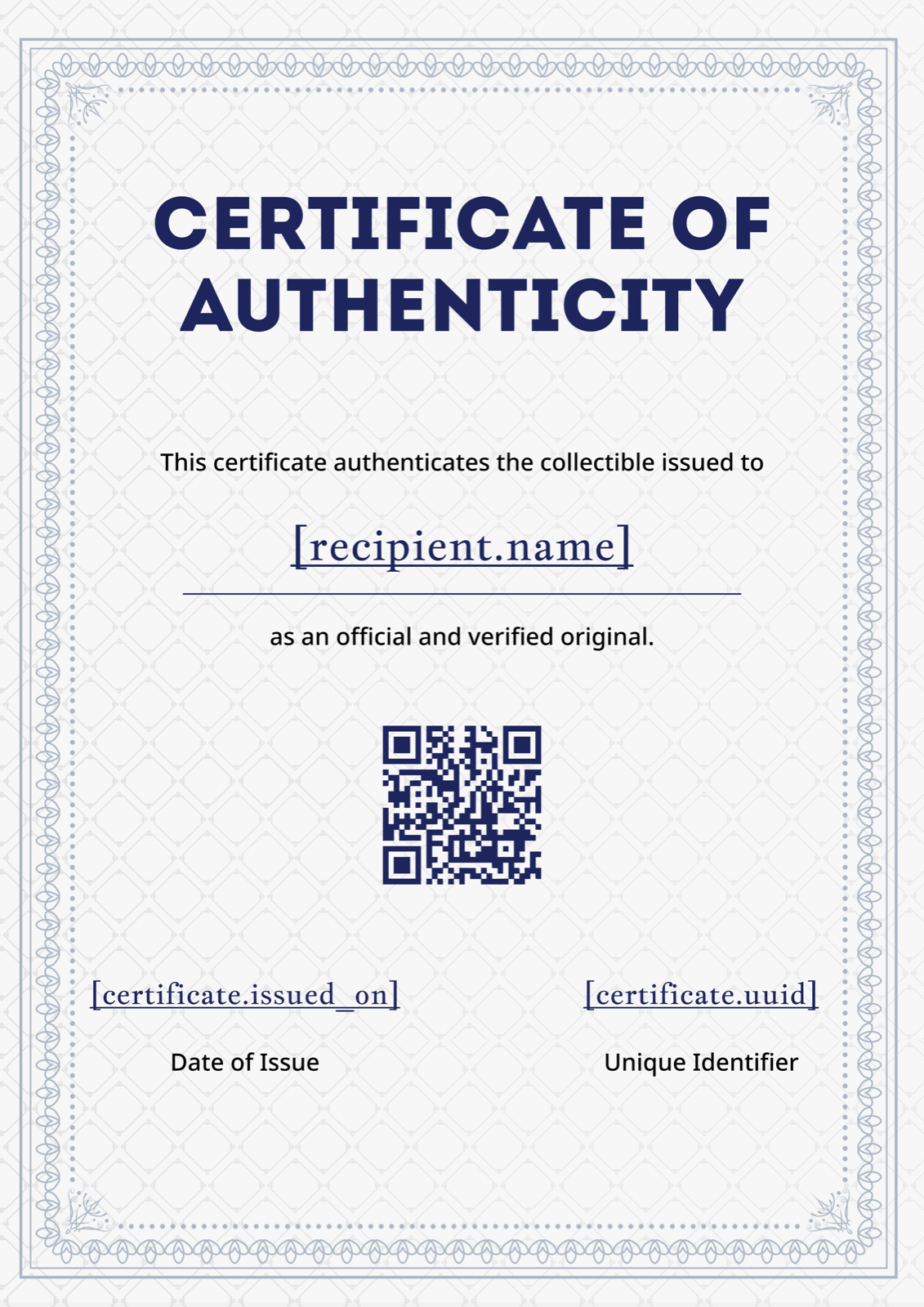
Professionally designed layouts built for webinar hosts — participation, completion, CPD-ready, and branded corporate styles. Every template is fully editable.
Need an accredited layout? See the CPD / CME / CEU webinar certificates generator, or a certificate of participation for attendance-only events.
Everything webinar hosts ask before switching to CertFusion.
Yes. Pick either template type when you build your webinar design — a certificate of participation recognizes attendance, a certificate of completion recognizes finishing the session. See our dedicated certificate of participation generator for participation-specific wording and layouts.
Yes. CertFusion pulls attendees from both Zoom Meetings and Zoom Webinars. Connect your Zoom account once, pick the session, and CertFusion imports the attendee list with email and session duration — so team standups, client trainings, and office hours all work.
Yes. Turn on auto-issue for a session and CertFusion generates and emails a personalized certificate to every attendee the moment the webinar ends. You can set a minimum attendance duration (e.g. "must attend ≥ 45 minutes") so you only reward people who actually showed up.
Yes. Add credit hours, provider details, and accreditation IDs to any template. See our CPD / CME / CEU webinar certificates generator for accreditation-ready layouts and the compliance fields most professional bodies require.
Plans start from a flat monthly rate with no per-certificate fee on most tiers — you can issue hundreds of webinar certificates for the same price as one. See pricing for the full breakdown, including unlimited certs on higher plans.
Yes. Paid plans support custom verification domains — so your certificates verify on
certs.yourcompany.com instead of the CertFusion
domain. The verification experience stays fully branded to your organization.
Yes. Every certificate can be revoked from the CertFusion dashboard. Once revoked, the verification page shows a clear "revoked" status so recipients and third parties know the certificate is no longer valid. You can also re-issue corrected versions while keeping the same verification link.
Running live events? Pair CertFusion with our free webinar countdown timer to keep sessions on-time — or read auto-generate certificates from Google Forms if your attendee list lives in a form.
Set it up once. CertFusion handles the rest — import, design, issue, verify, track.