Built for the trainers, educators, and conference organisers who can't ship a certificate that won't survive an audit. Credit hours, verifiable URLs, accreditor branding, and a per-certificate access log — all set up once, then automated for every cohort after.
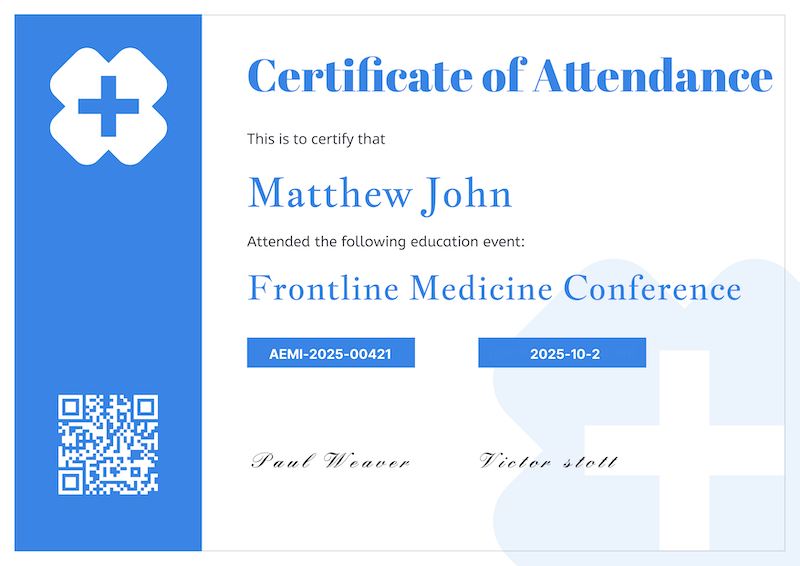
Most certificate generators were built for award certificates and participation certificates. CPD, CME, and CEU programs need five things on every certificate — and most tools cover one or two at best.
Per-recipient value, not a hard-coded label. Different cohorts earn different hours.
The trainer's accrediting body, prominently shown — not buried in 6pt footer text.
Auditors and employers need a one-tap way to confirm the certificate is real.
Many credentials are time-bound. Both dates need to be typed fields, not free text.
When a certificate is challenged, you need to show when it was issued, when it was viewed, and from where. A log of view + download events with timestamp and IP is what makes a certificate audit-defensible.
Compared to standard certificate generators (Canva-style template tools) and the most common fallback (Microsoft Word + manual export).
| Requirement | Standard certificate generators |
Manual Word or Canva |
CertFusion |
|---|---|---|---|
| Credit hours field |
✕
Generic templates only
|
~
Manual entry, prone to typos
|
Add as a per-recipient custom field
|
| Verifiable URL |
✕
Image only
|
✕
None
|
Unique
/verify/{id} page |
| Tamper-proof verification page | ✕ | ✕ |
Public, branded, QR-linked
|
| Issue + view audit trail | ✕ | ✕ |
Issued-on timestamp + per-cert view/download log with IP
|
| Bulk issue + correction workflow |
✕
Per-cert manual
|
✕
Mail-merge fragile
|
CSV / Zoom / Meet / Webex import; re-issue corrected version with same URL
|
| Accreditor branding |
~
Generic logos only
|
Manual
|
Upload accreditor logo, set brand colors per design
|
Different accreditors map activity hours to credit points differently — structured learning is usually 1:1, self-directed reading is often 0.5:1, work-based learning sits around 0.75:1. Get the multiplier wrong and your certificates carry the wrong credit value.
Use our free CPD points calculator to convert activity duration into CPD points using the standard multipliers — then drop the calculated value into the credit-hours field on your certificate template.
The whole flow takes minutes after the first time you set up the template.
Start from a clean professional template, drop in your accreditor logo and brand colors, and add a per-recipient Credit Hours custom field. Browse the course certificate templates to start.
Drop in a CSV of names + emails + credit hours, or pull attendees directly from Zoom, Google Meet, or Webex. The same flow powers our webinar certificate generator.
One click. Every recipient gets a personalised certificate by email with a verifiable URL, a QR code, and a public verification page. Every view and download is logged with IP and timestamp.
Manual workflow: ~4 hours for 200 certificates (Word merge, PDF export, individual emails).
CertFusion: ~3 minutes for the first cert, <30 seconds per batch after.
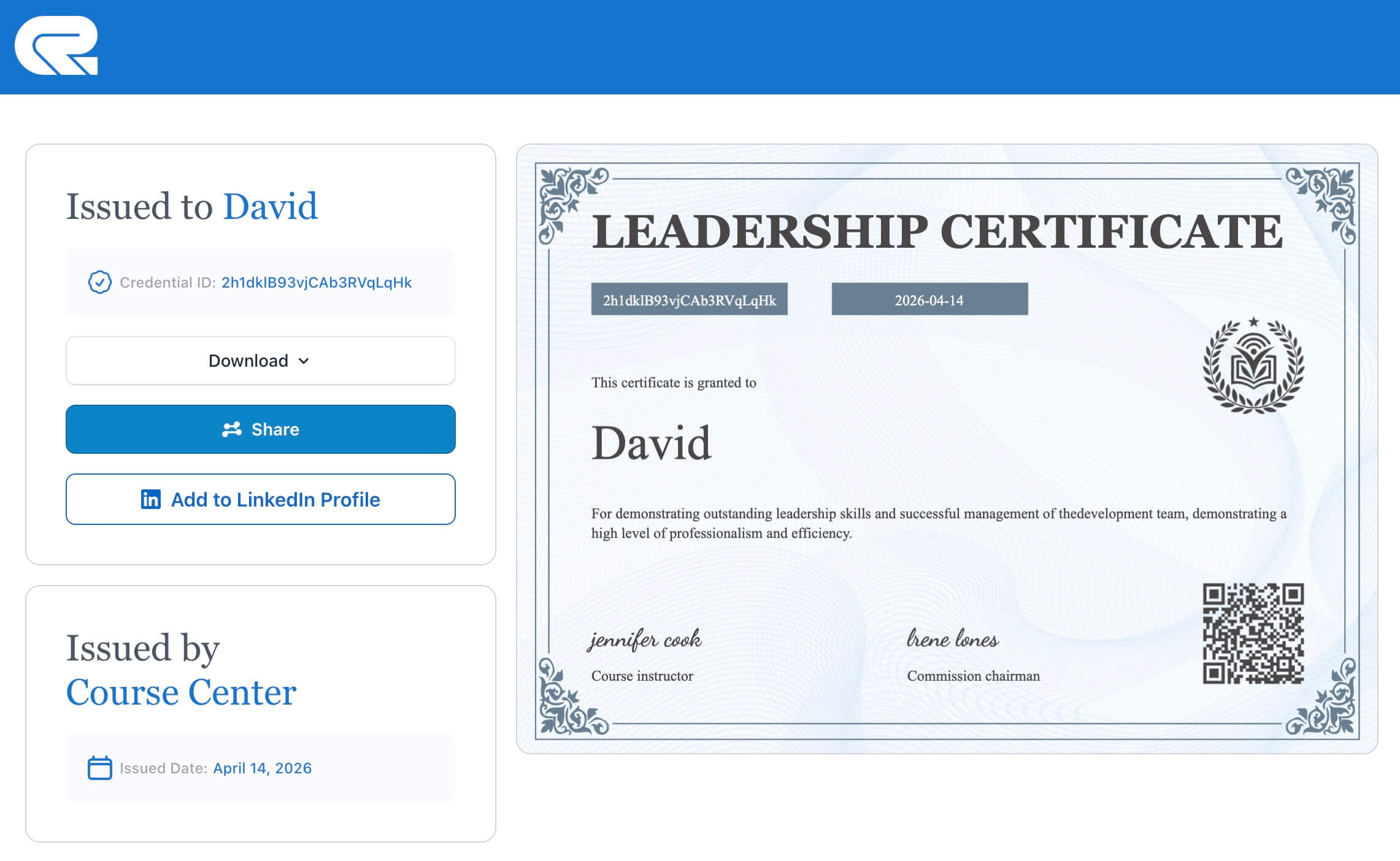
Recipient name, course title, credit hours, accreditor, certificate ID, issue date, expiry date — all on a tamper-proof page that auditors and employers can confirm with one tap.
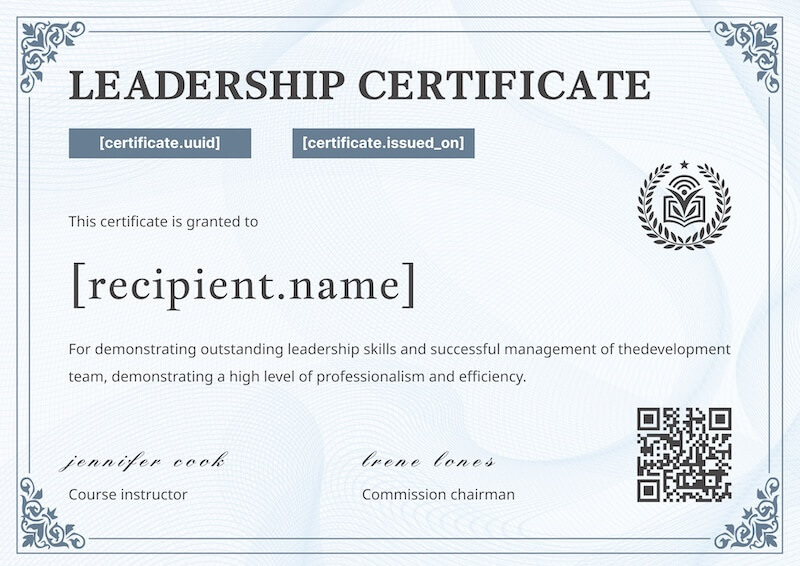
The certificate
The verification page
The questions credit-bearing buyers ask before switching.
No — CertFusion is not an accreditor. We provide the tooling to issue certificates for accredited programs that you (the trainer or provider) run under your own accreditation. The certificates carry your accreditor's name, logo, certificate ID, credit hours, and a verifiable URL — all the elements an auditor expects.
Yes. Add a Credit Hours field as a custom field on any design — it becomes a per-recipient value you can set in the dashboard, populate from a CSV, or pull from an integration. The value renders on the certificate and is included on the verification page.
Yes. Each certificate has a unique server-rendered verification URL — the page content cannot be edited by the recipient or anyone else. The QR code on the certificate links to the same page, giving auditors and employers a one-tap way to confirm the certificate is genuine.
Every certificate carries a per-recipient access log — each view and download is timestamped with the visitor's IP address. This gives you a defensible record of when the certificate was accessed and from where. Reach out to support if you need a CSV export for a compliance audit.
Yes. Delete the recipient from your dashboard and the certificate's verification URL is invalidated immediately — anyone visiting it gets a not-found response. To replace a certificate with a corrected version instead, re-issue from the design and CertFusion preserves the recipient's verification URL with the updated content.
Certificates remain accessible at their verification URL for the life of your active CertFusion account. For specific retention guarantees required by your accreditor, contact support — we can document retention terms in writing for your compliance file.
Looking for general training certificate designs? Browse our training program certificate templates, or check see pricing for plan details.