CertFusion
No signup to preview 50+ templates Figma · Word · PDF

Free Certificate Generator — Online, Editable, No Signup

Pick a template, edit it in your browser, and download a professional certificate in seconds. AI-assisted design help is built in — but the tool, the templates, and the download are completely free, with no watermarks and no account required to preview.

How to use the free certificate generator

1. Pick a template

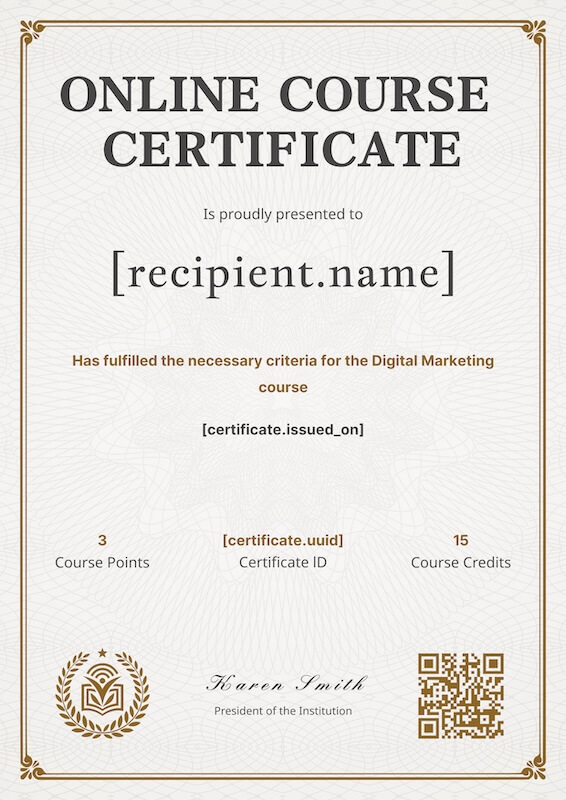
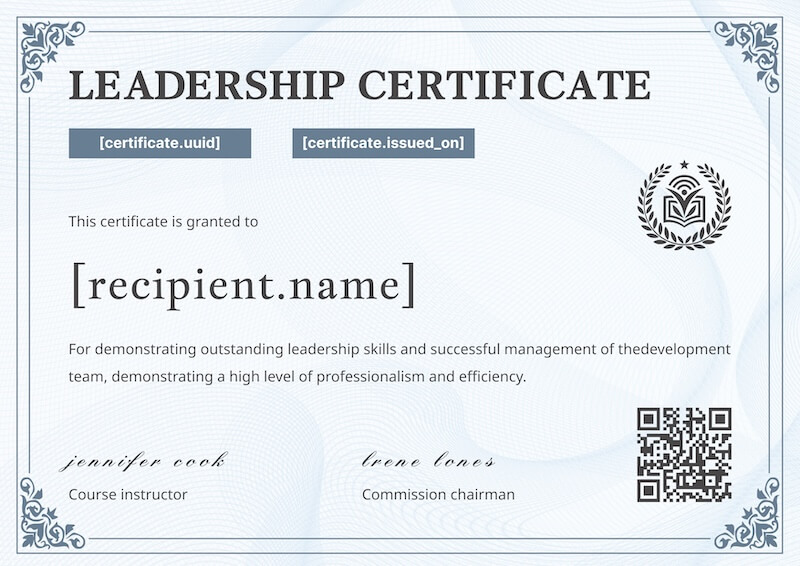
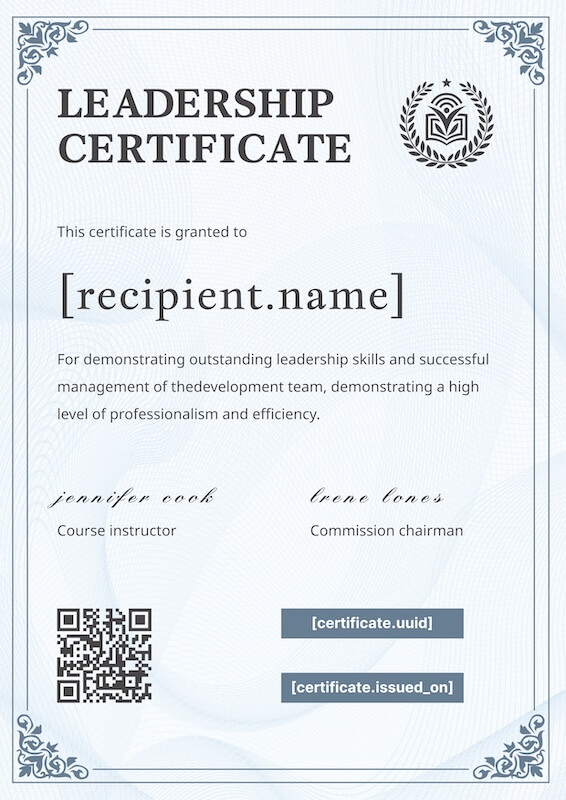
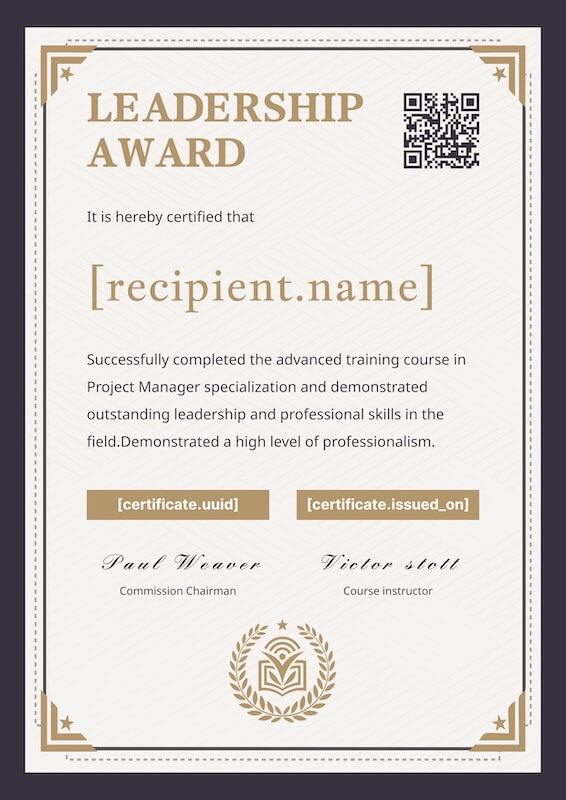
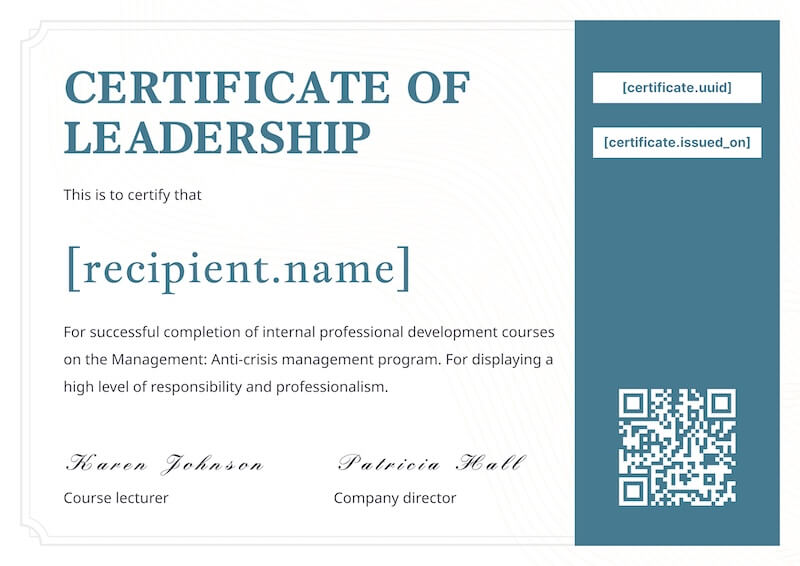
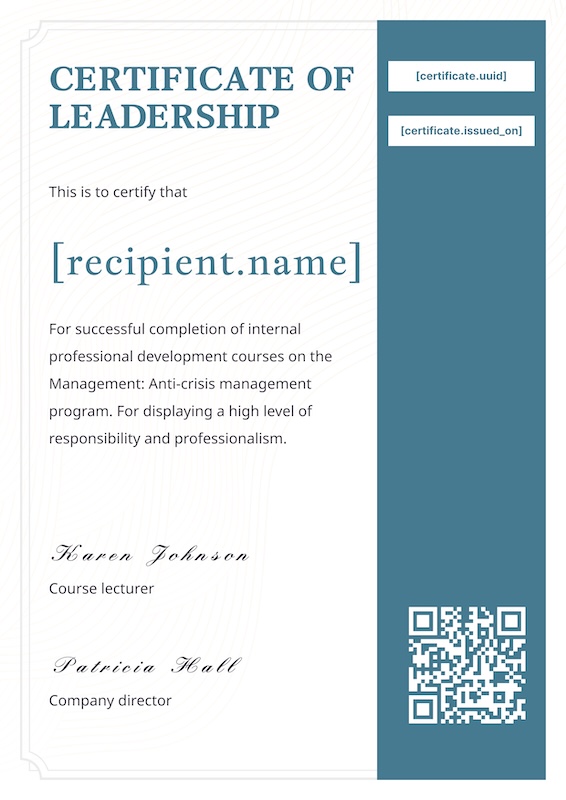
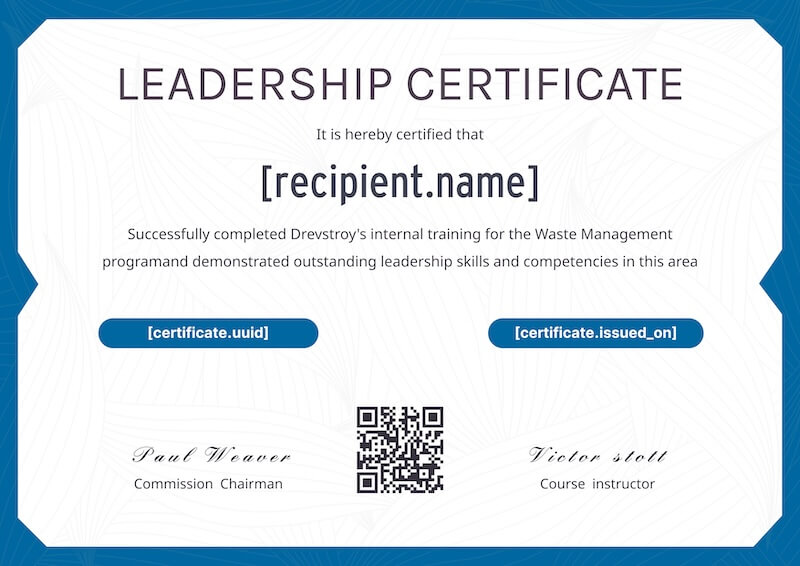
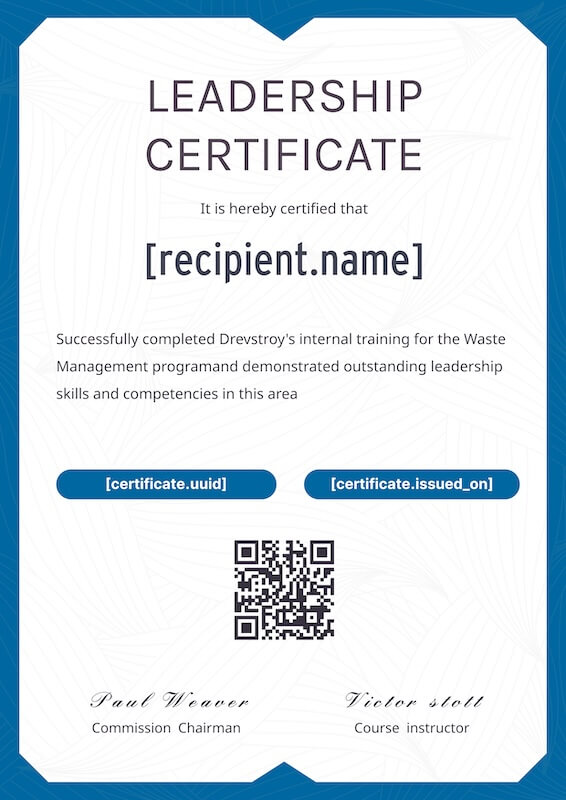
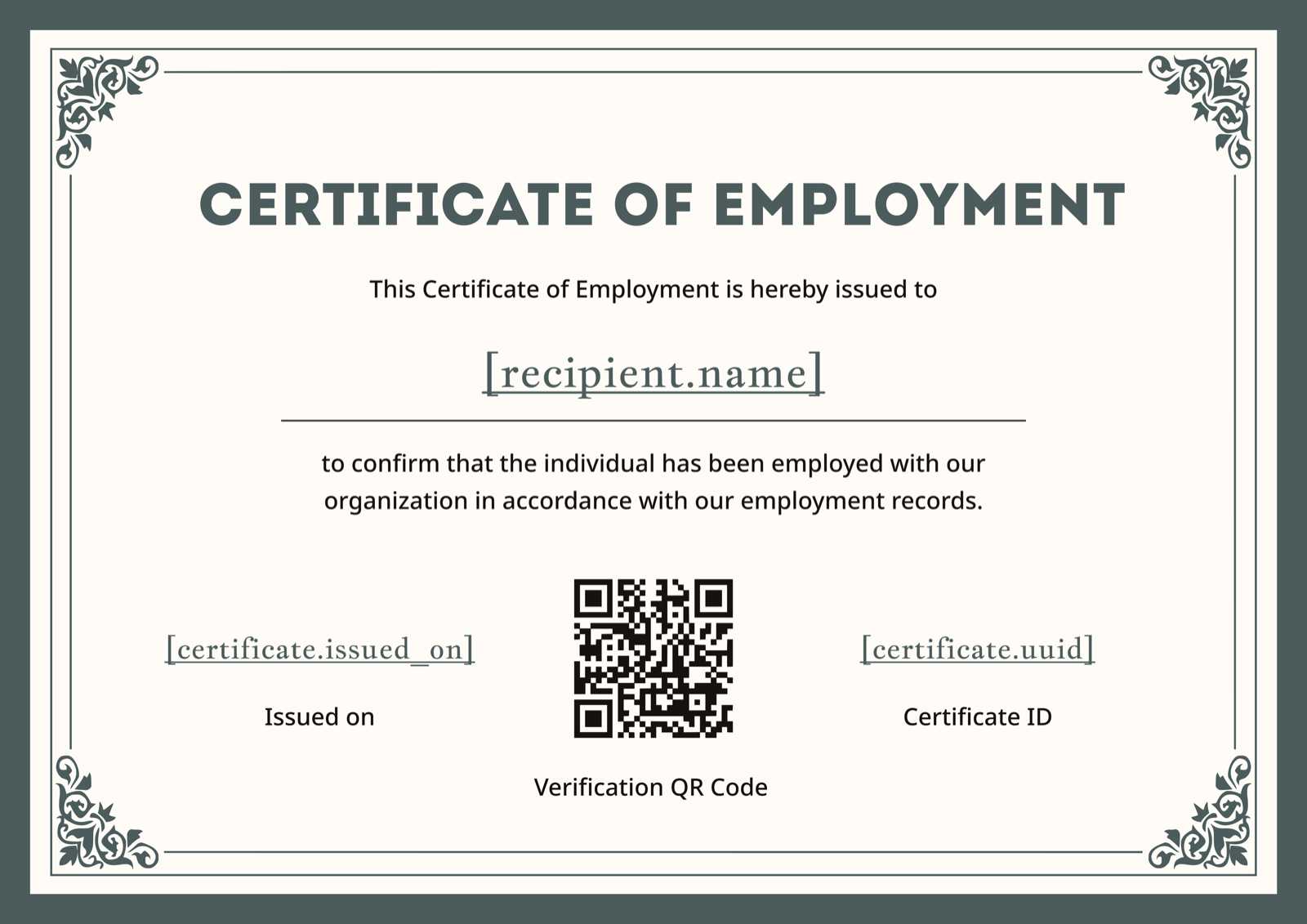
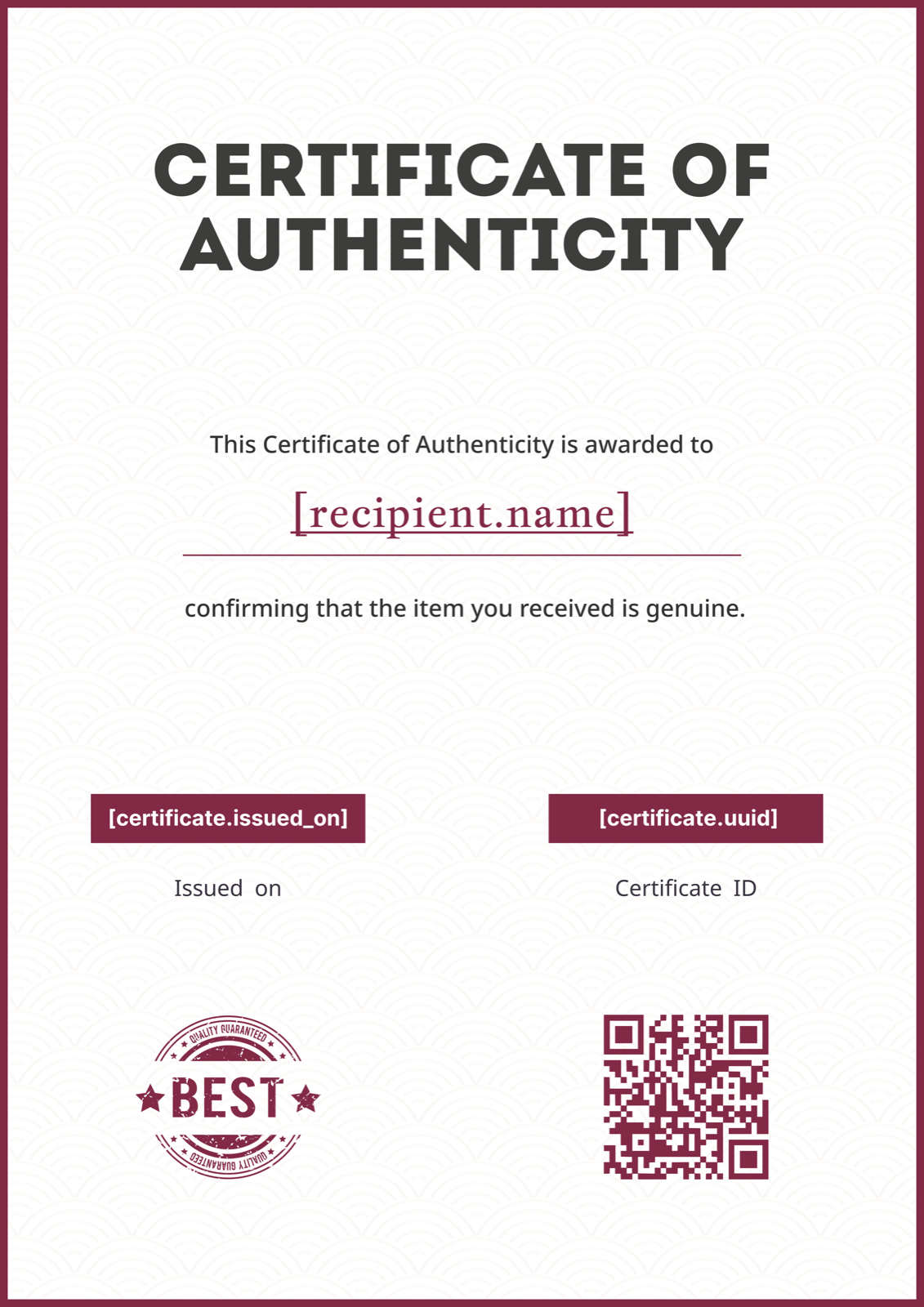
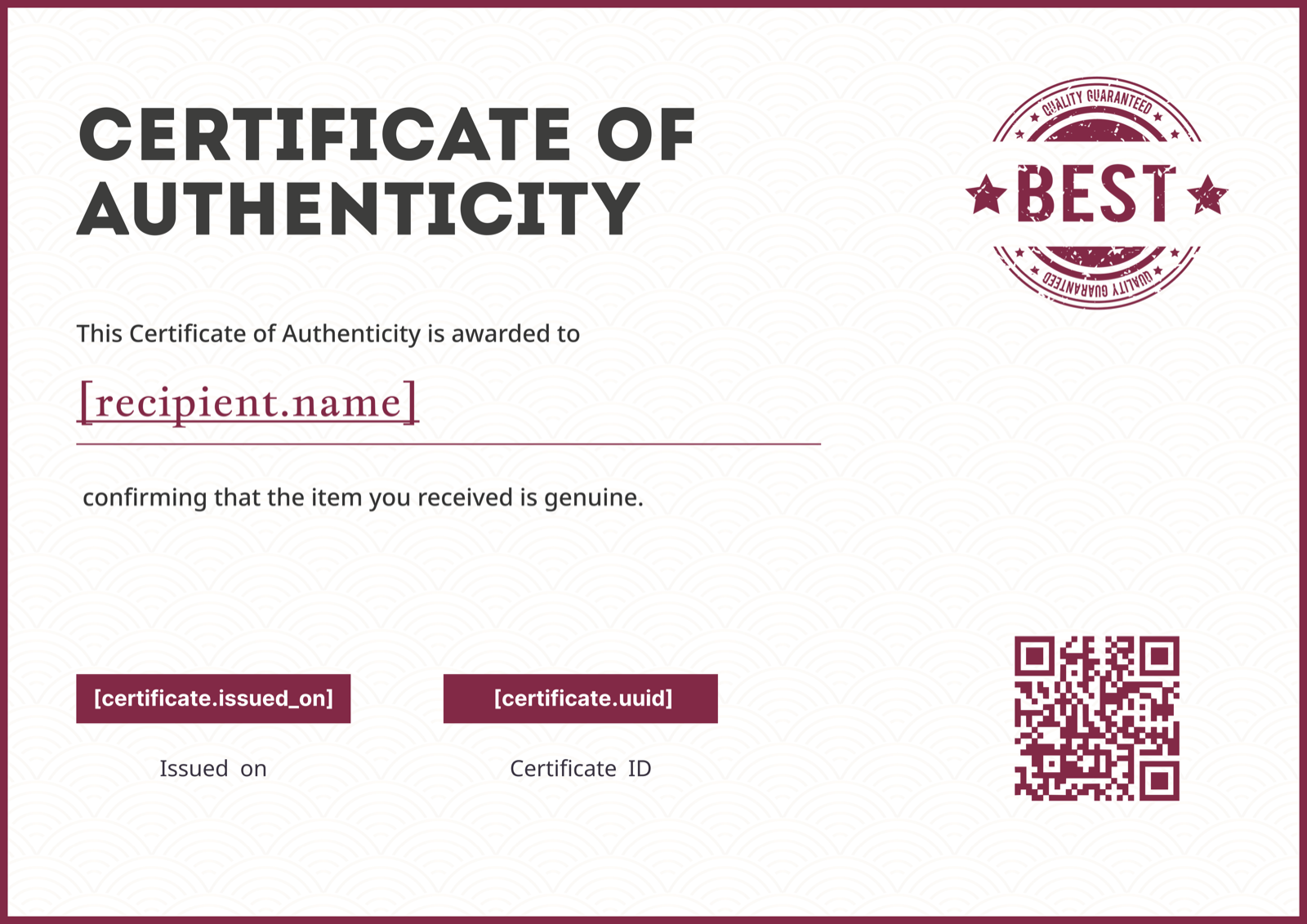
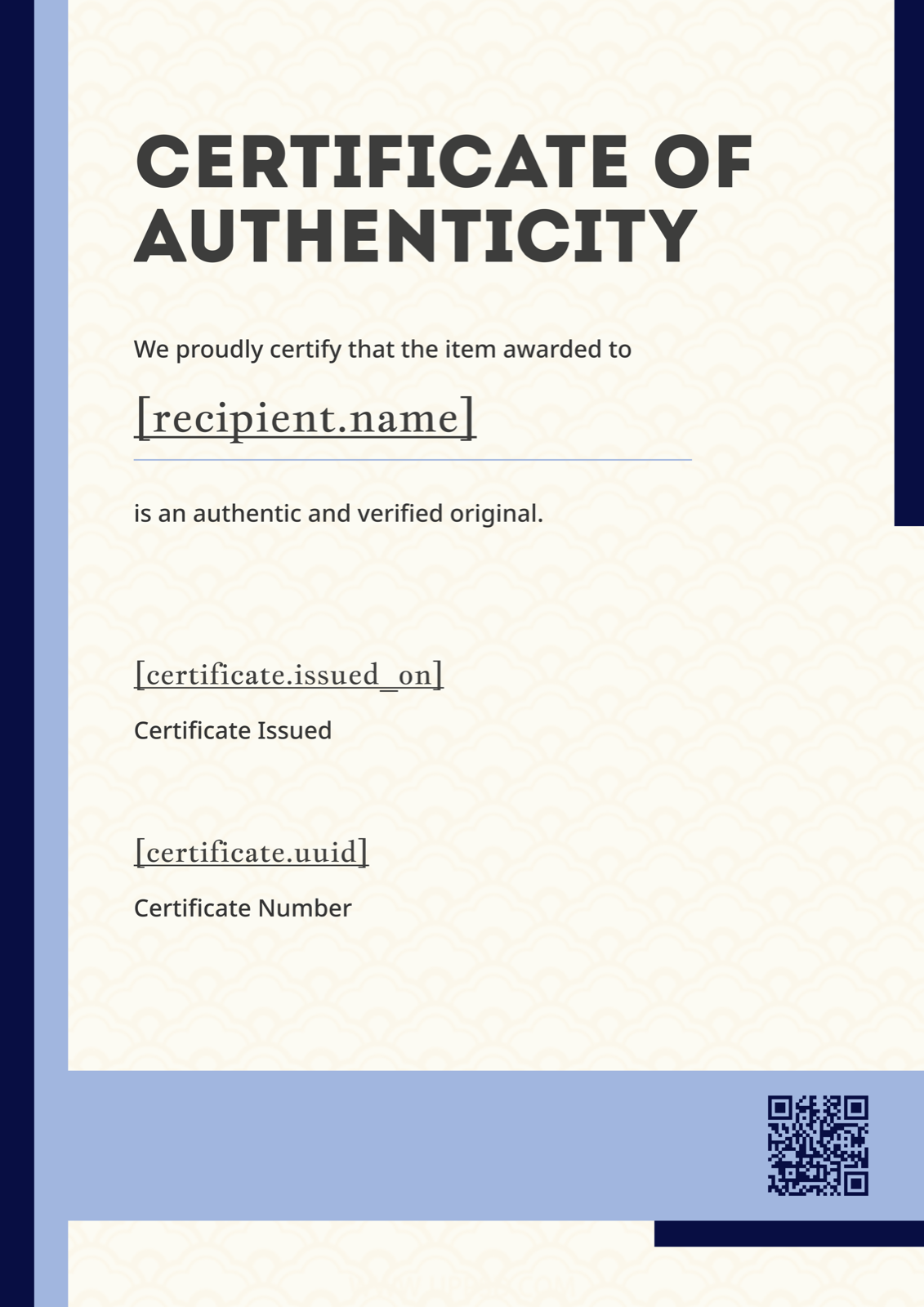
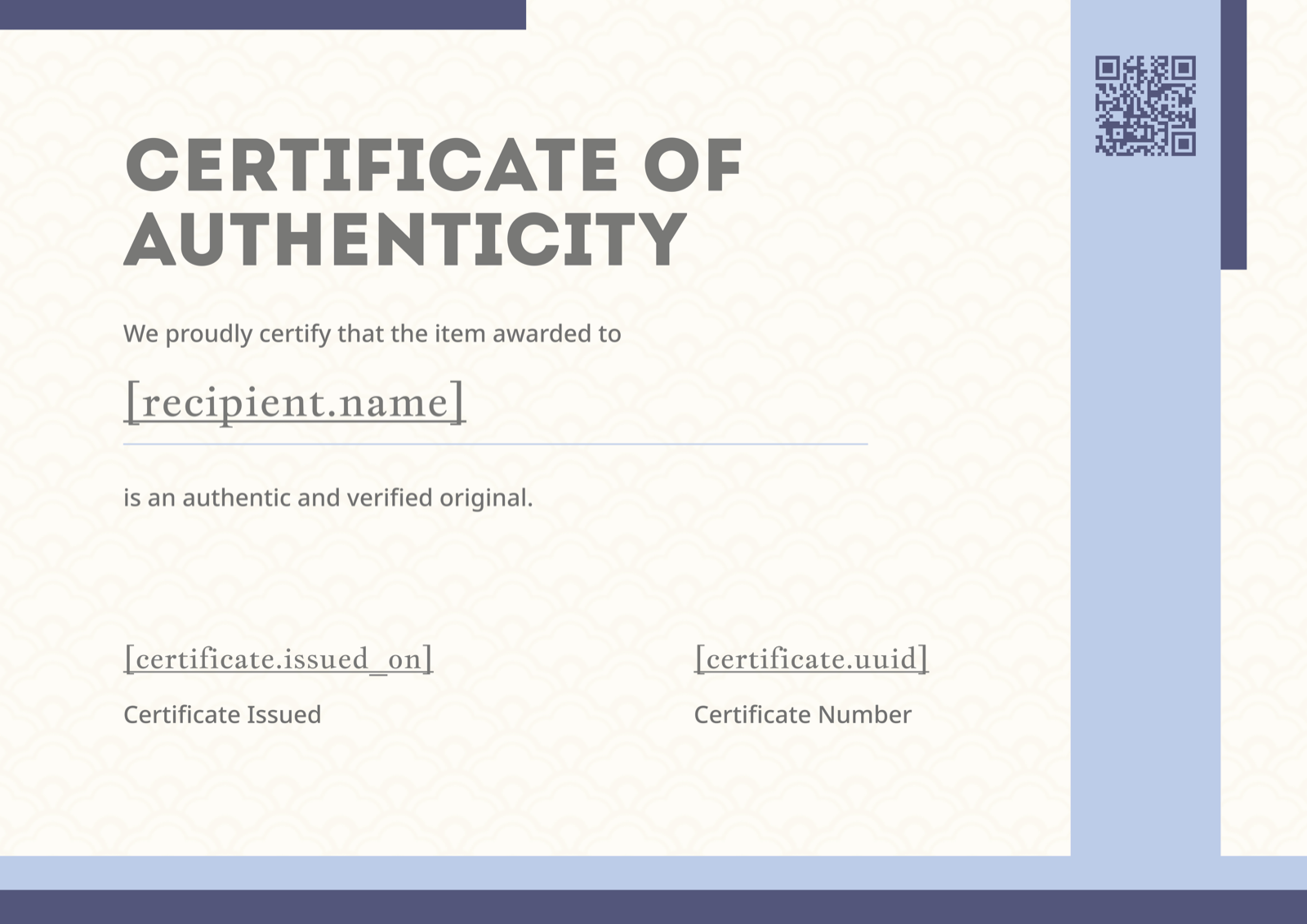
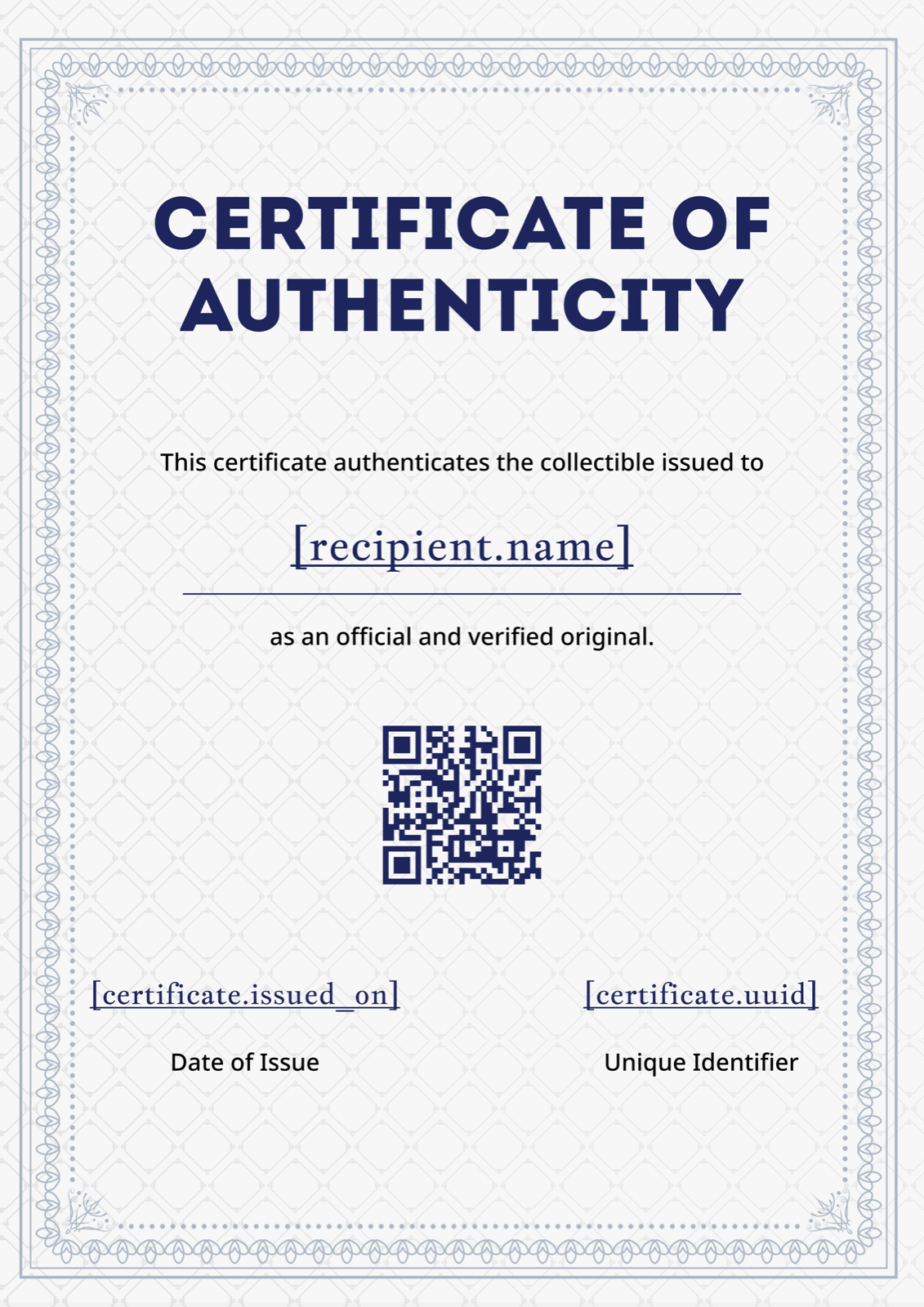
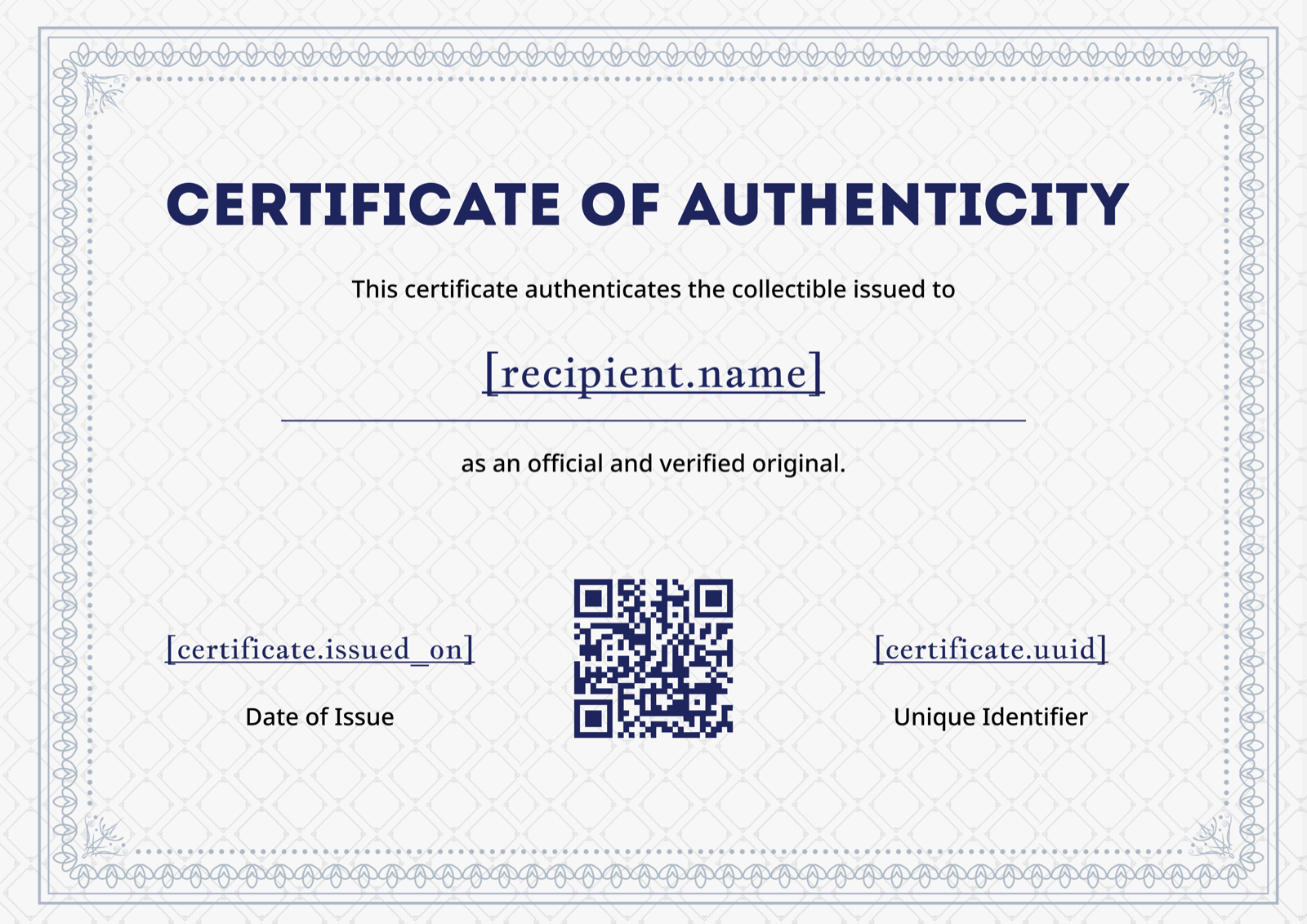
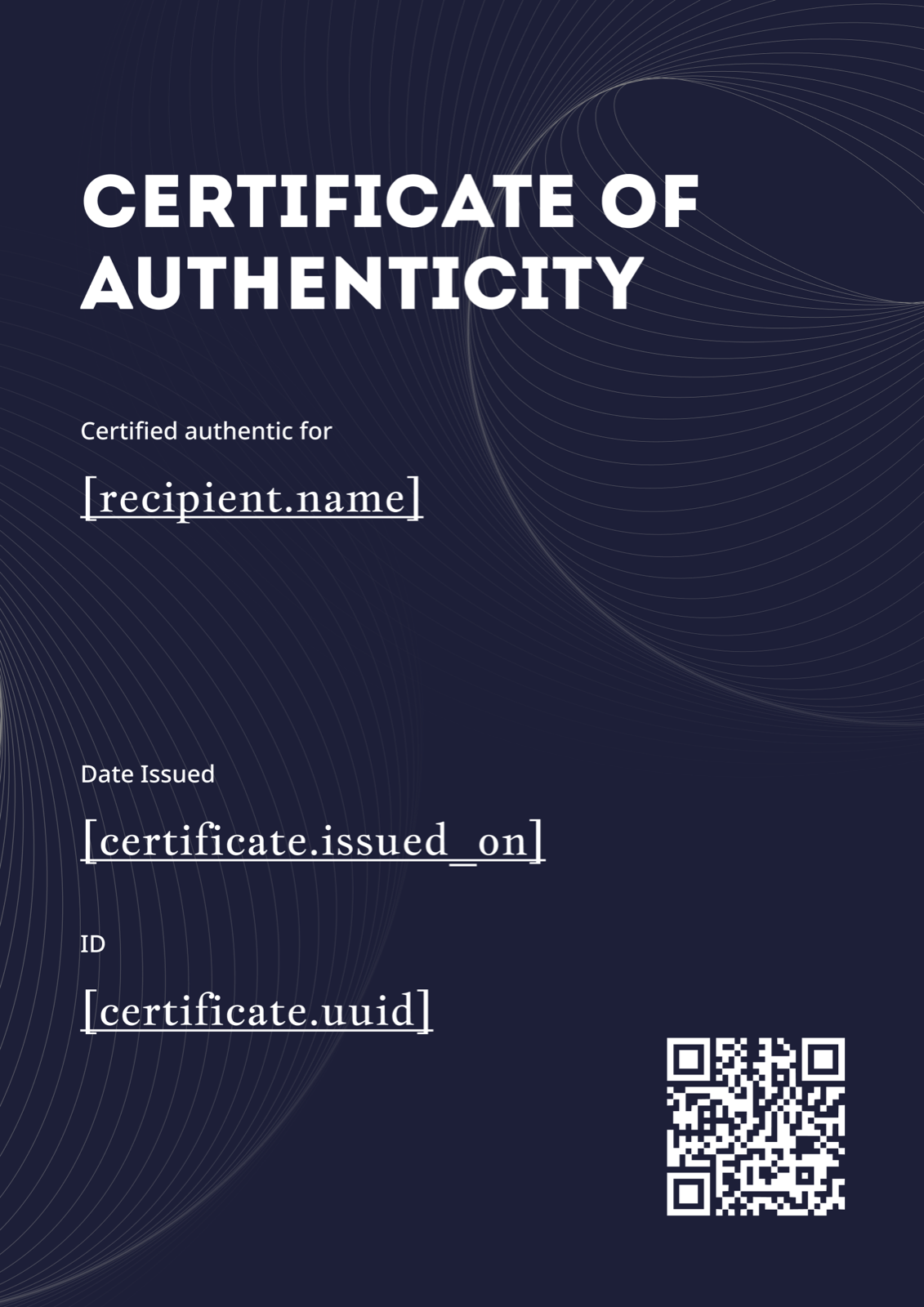
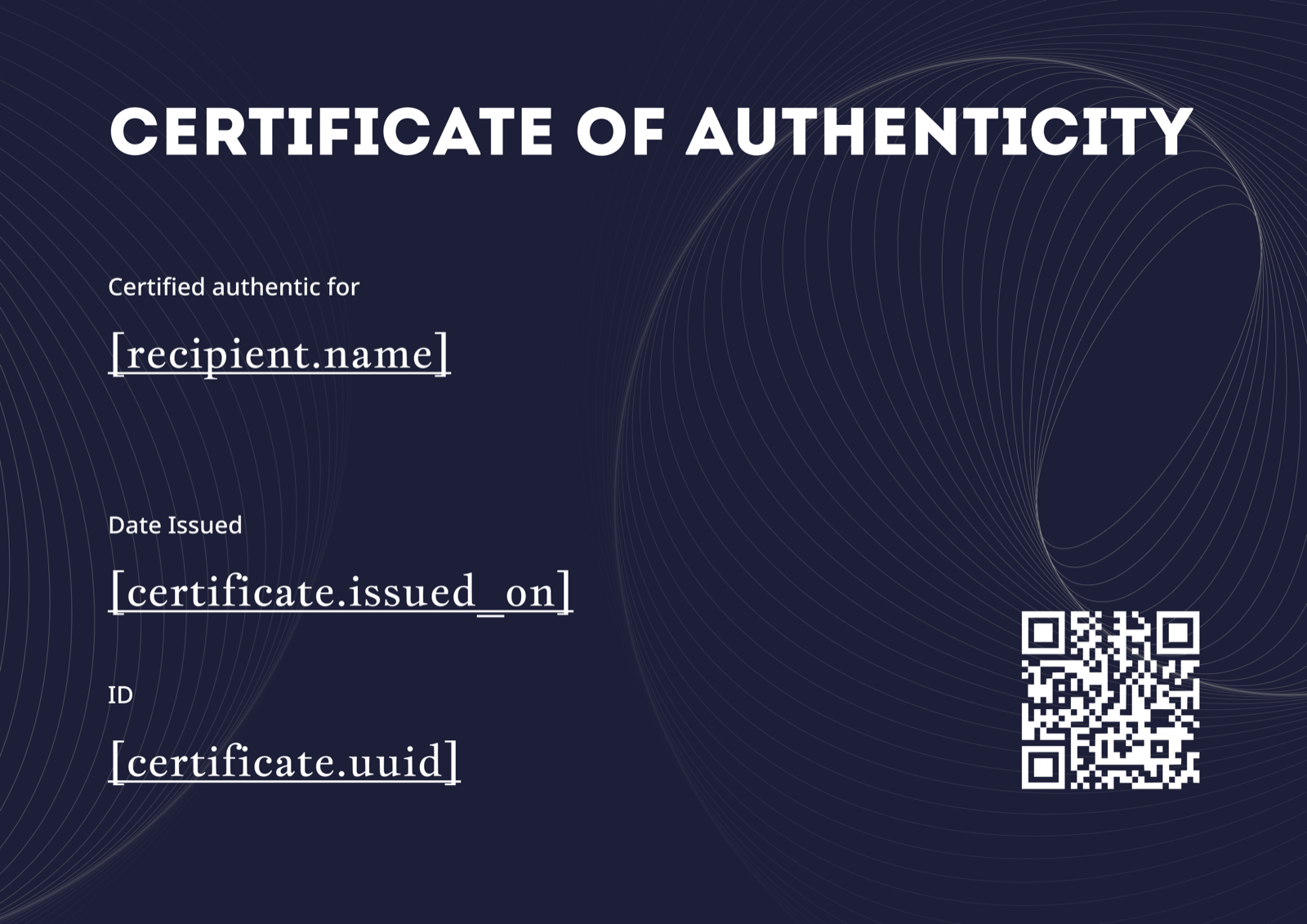
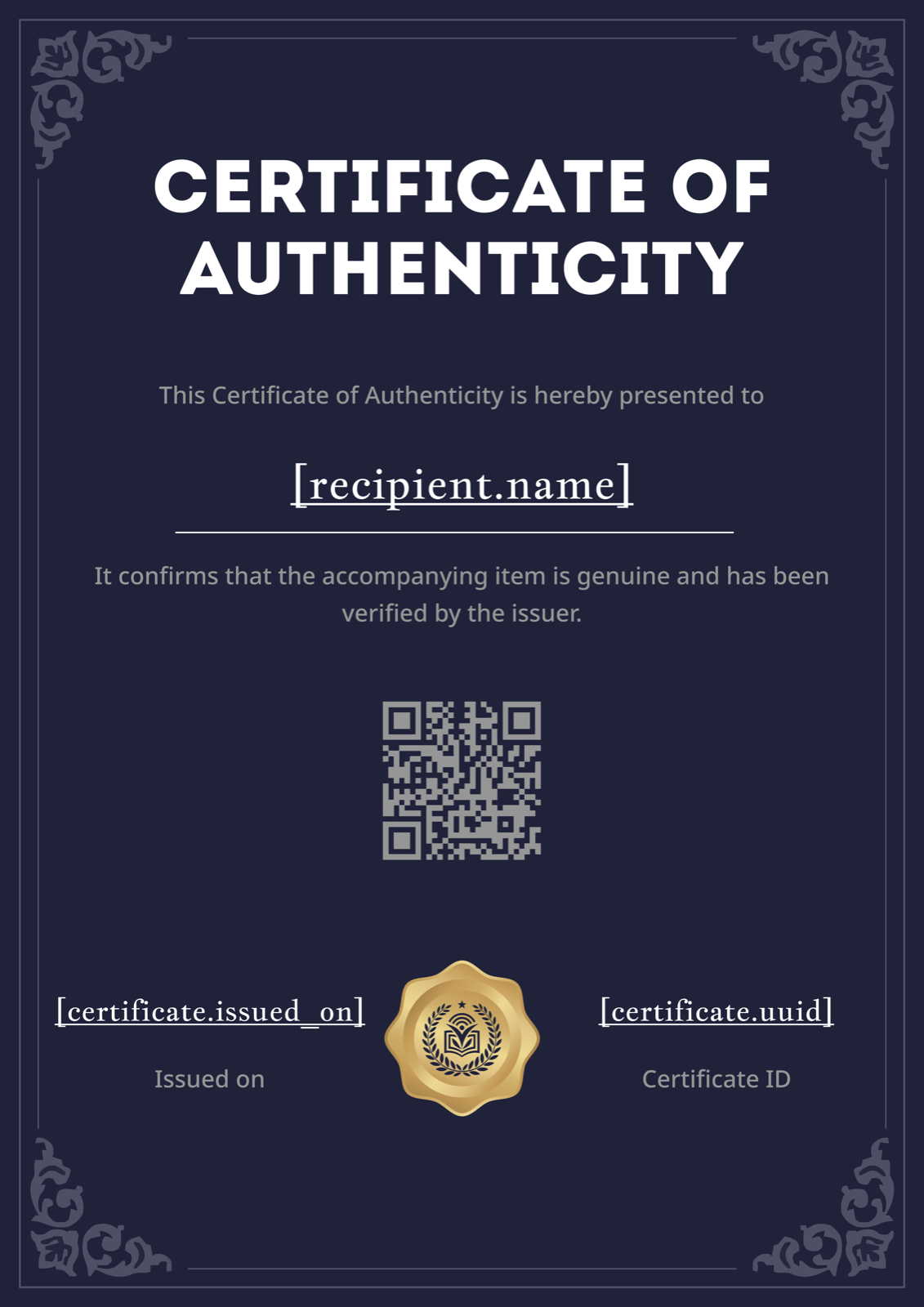
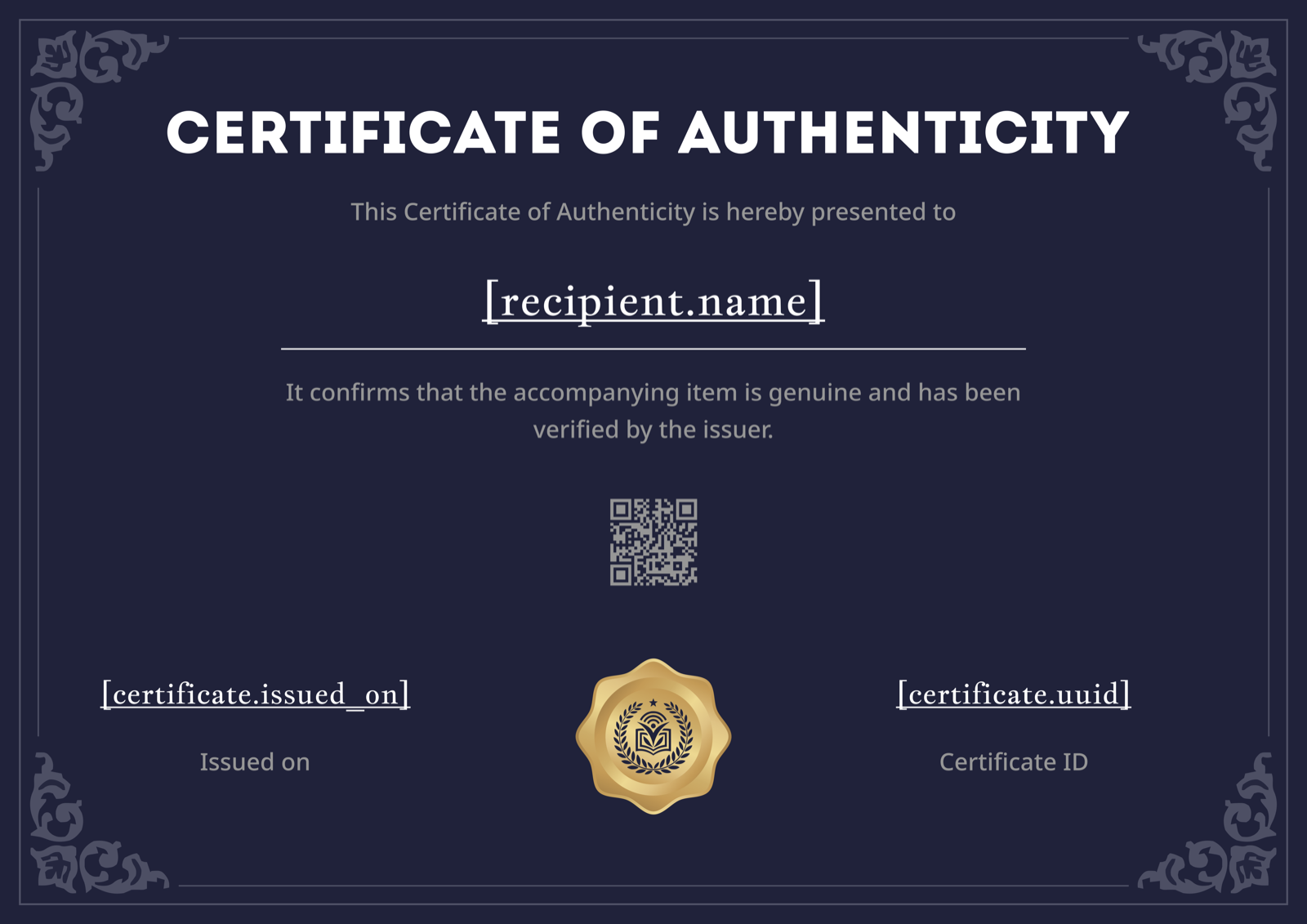
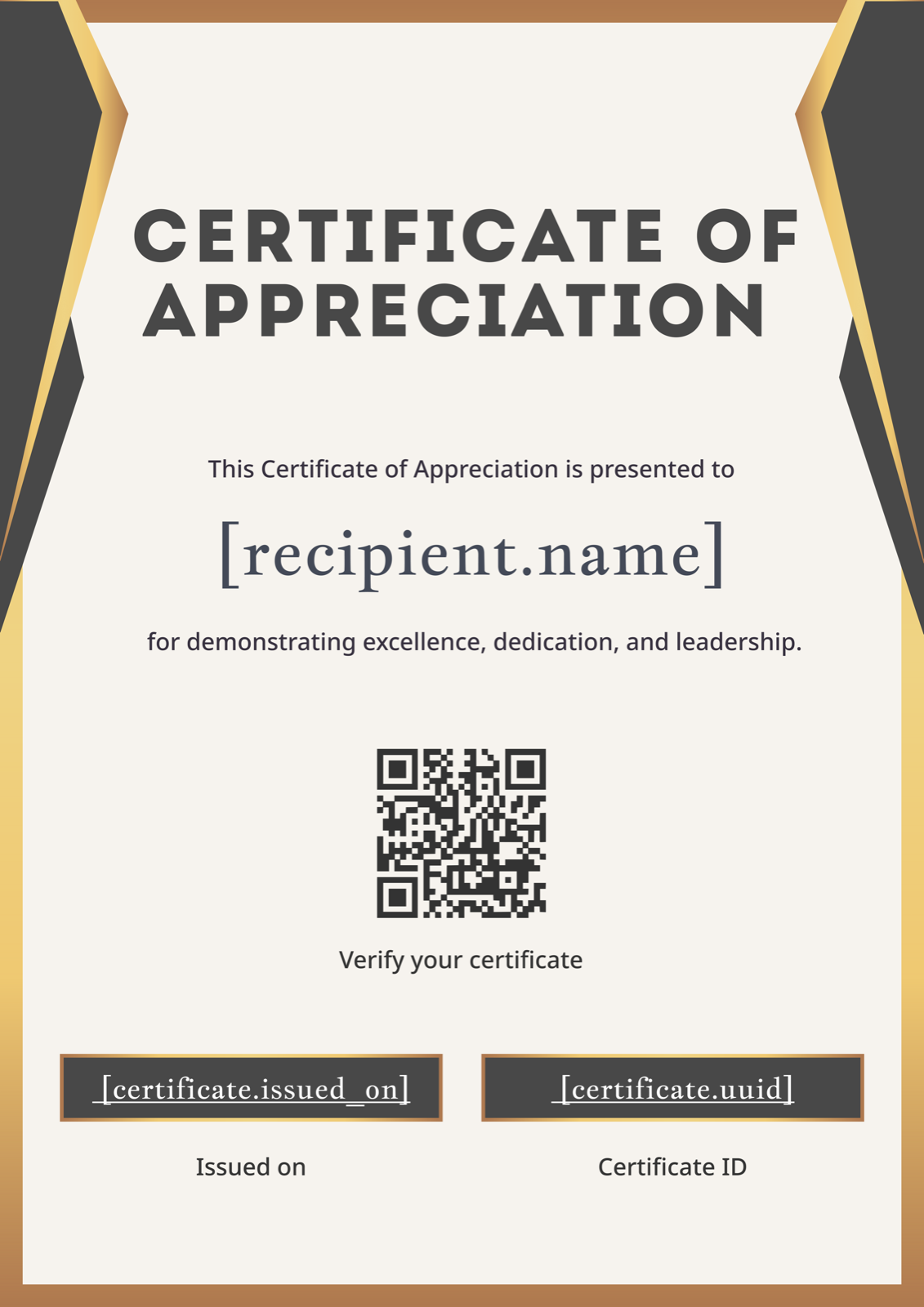
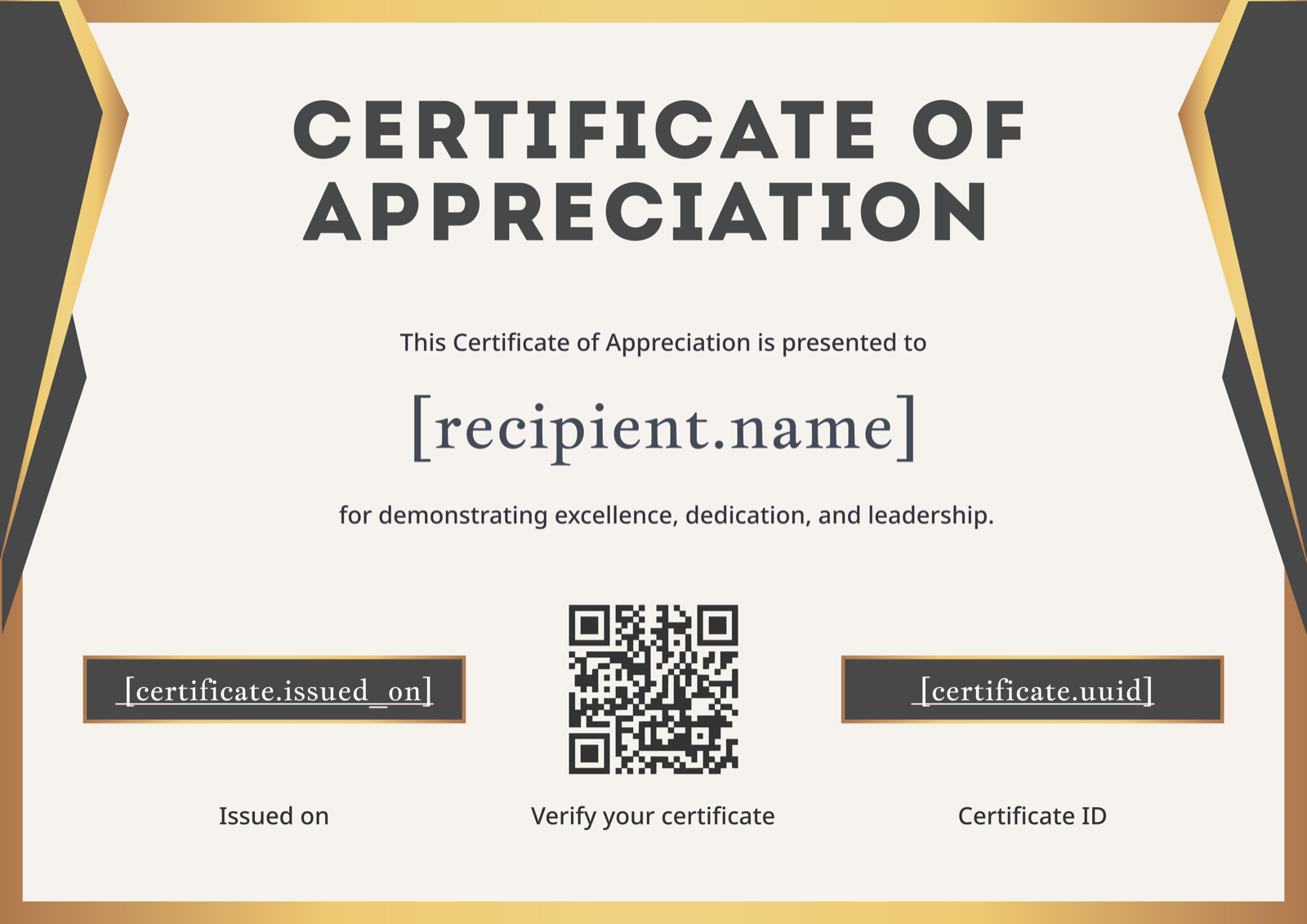
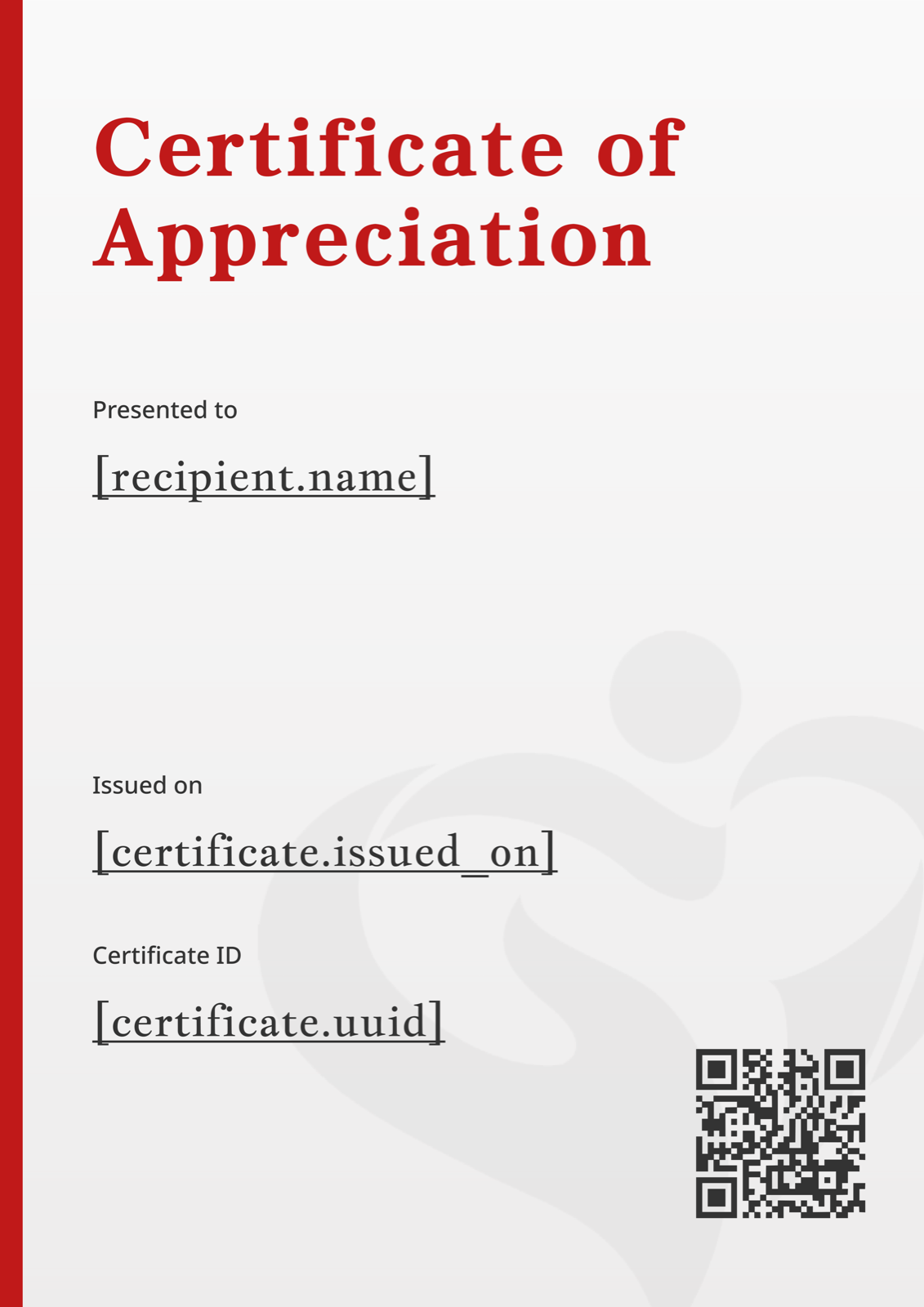
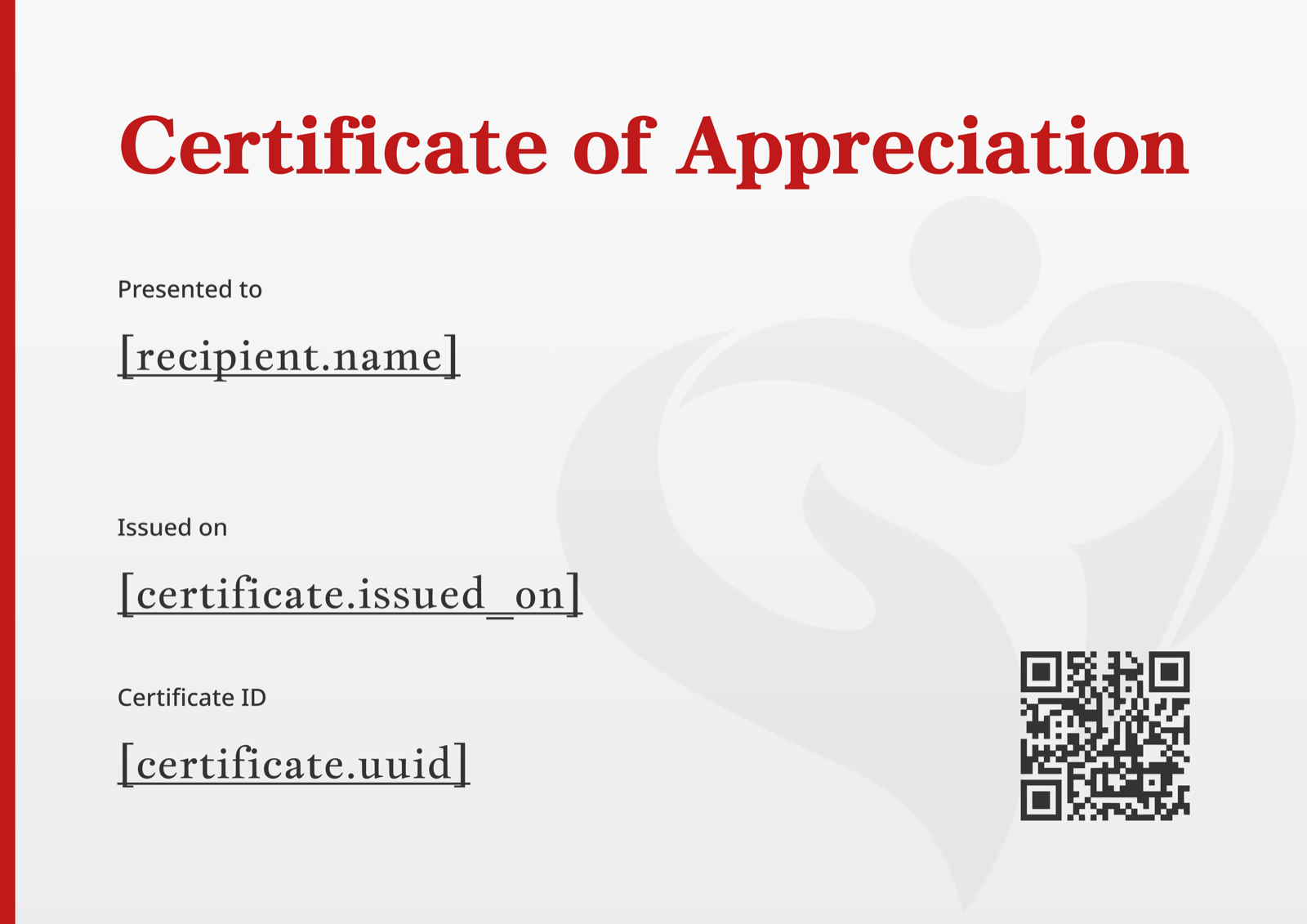
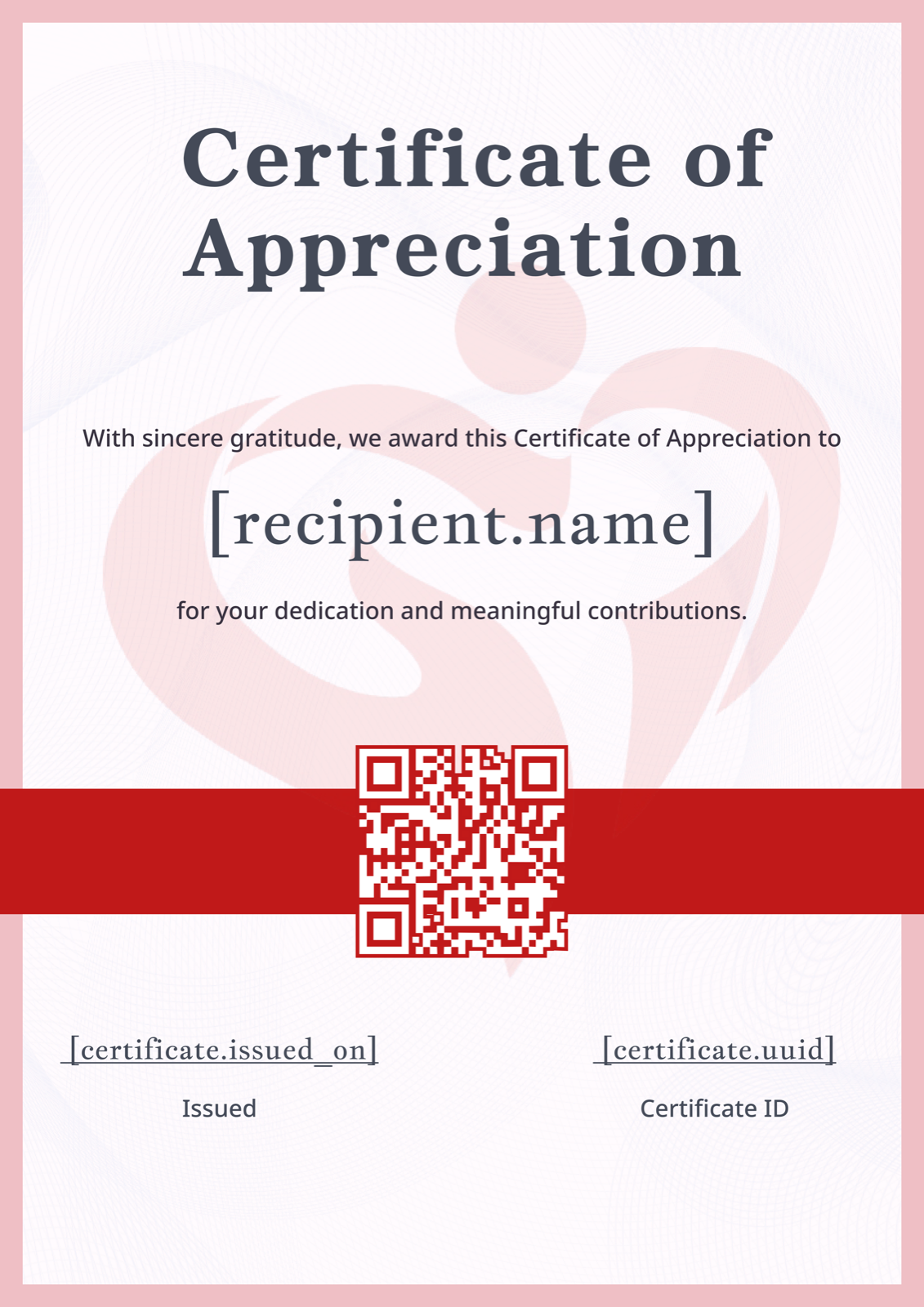
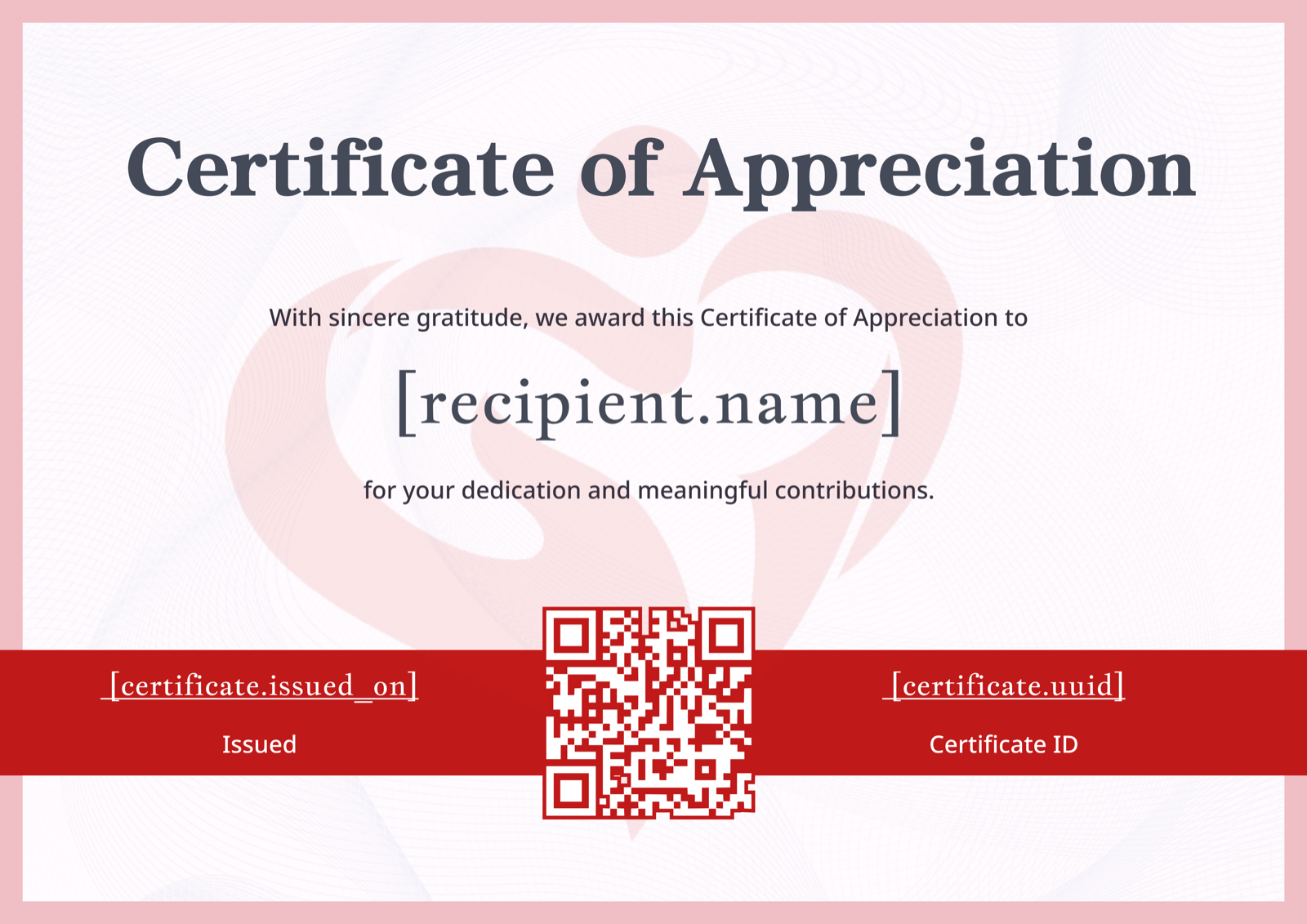
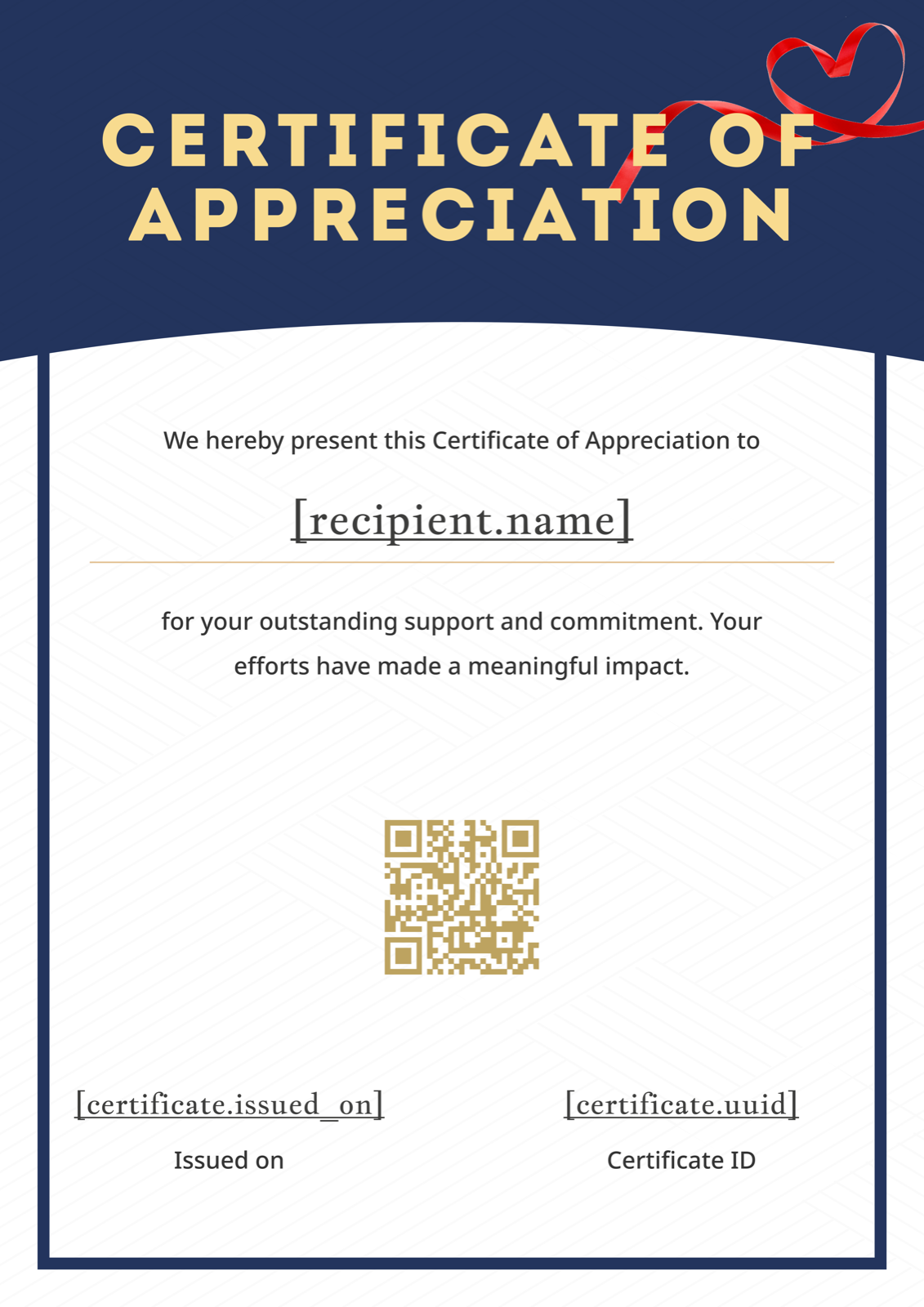
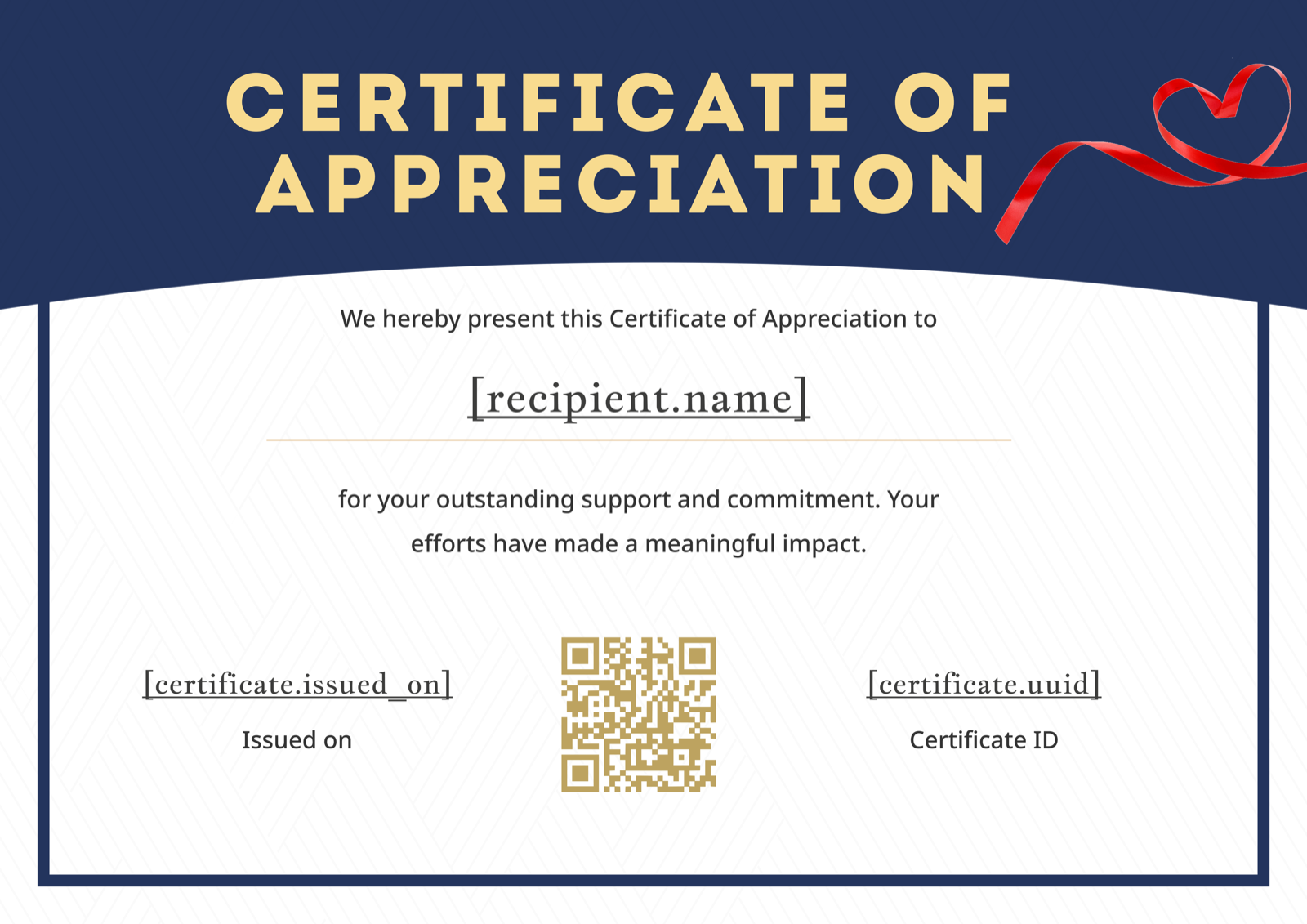
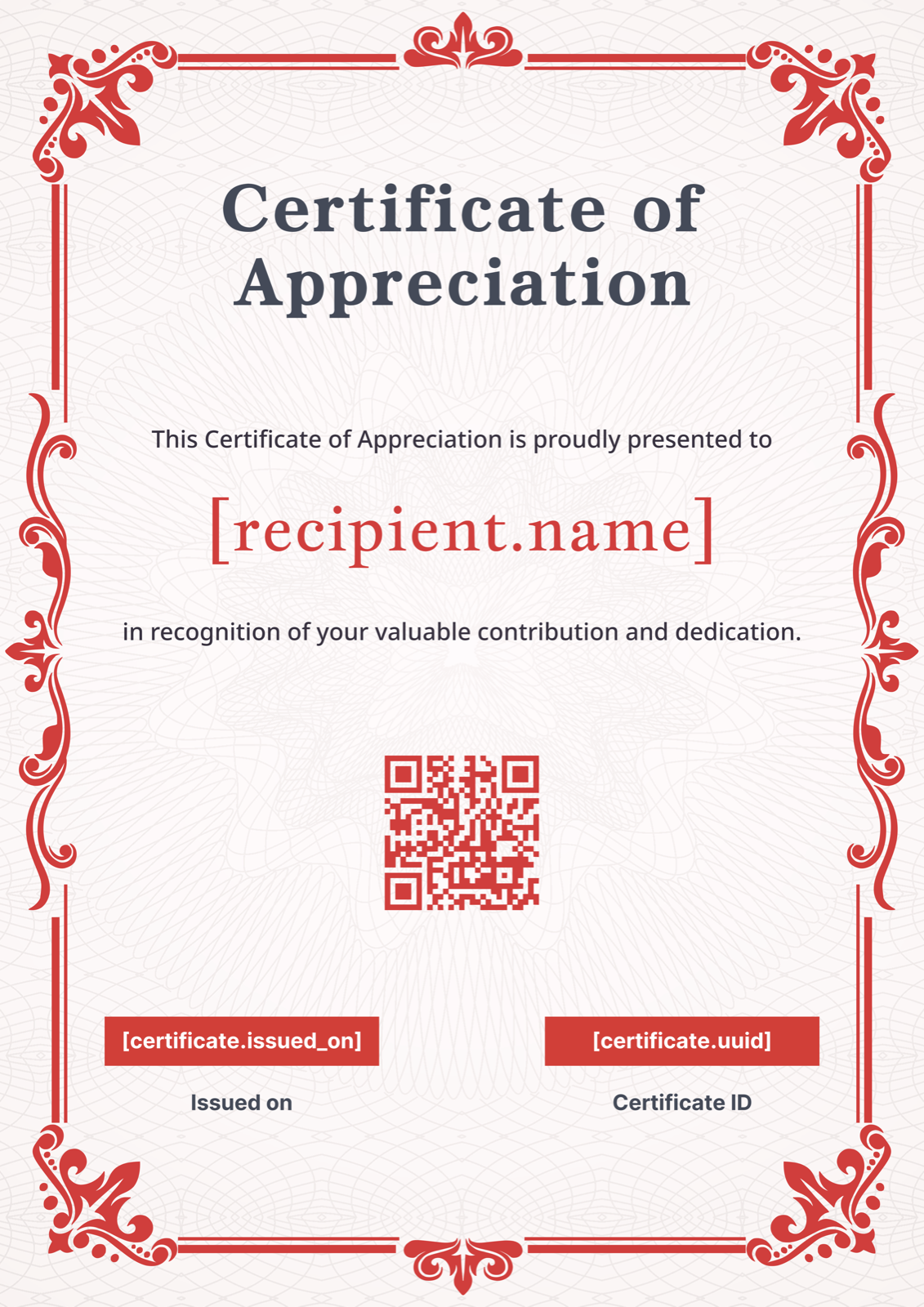
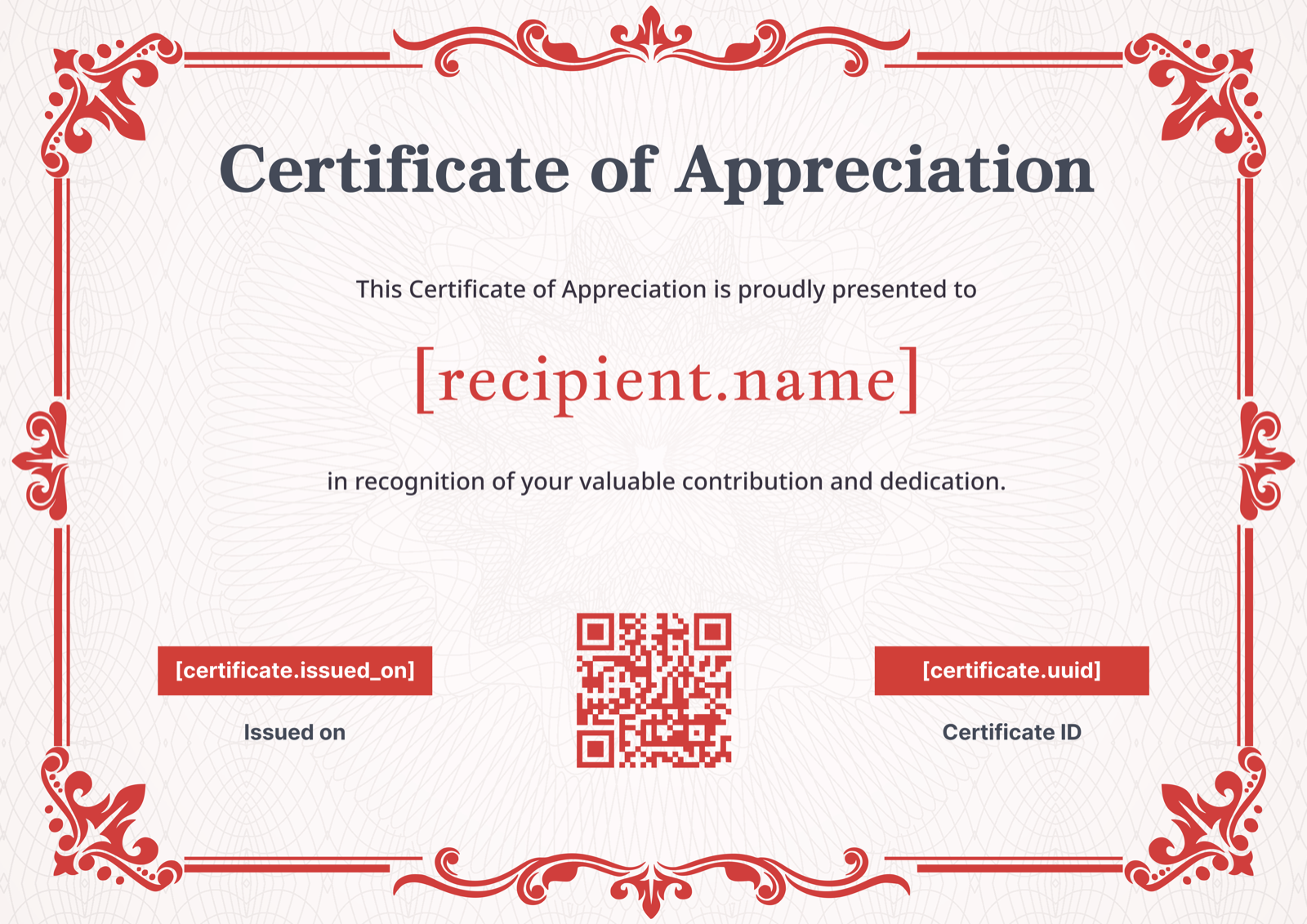
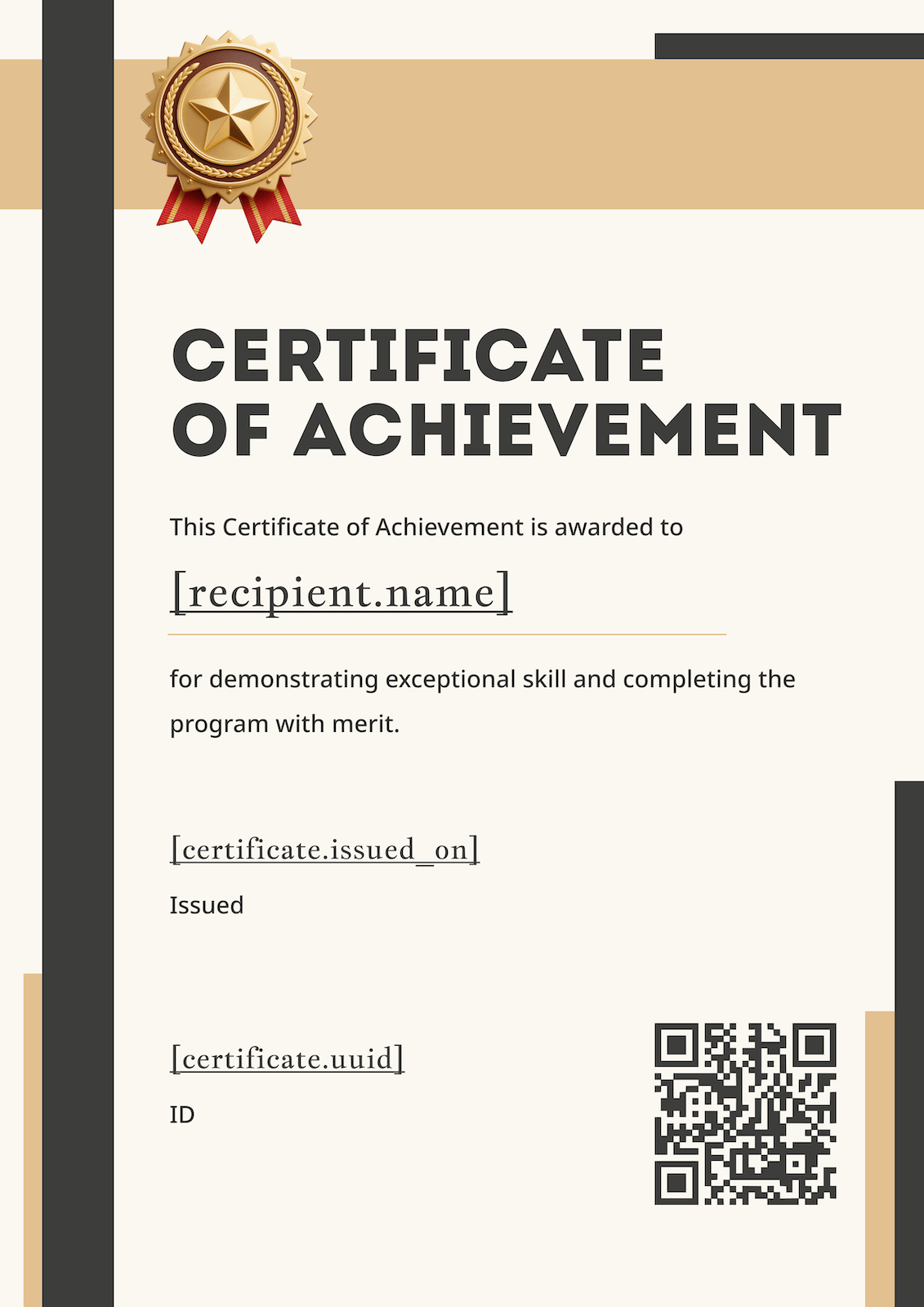
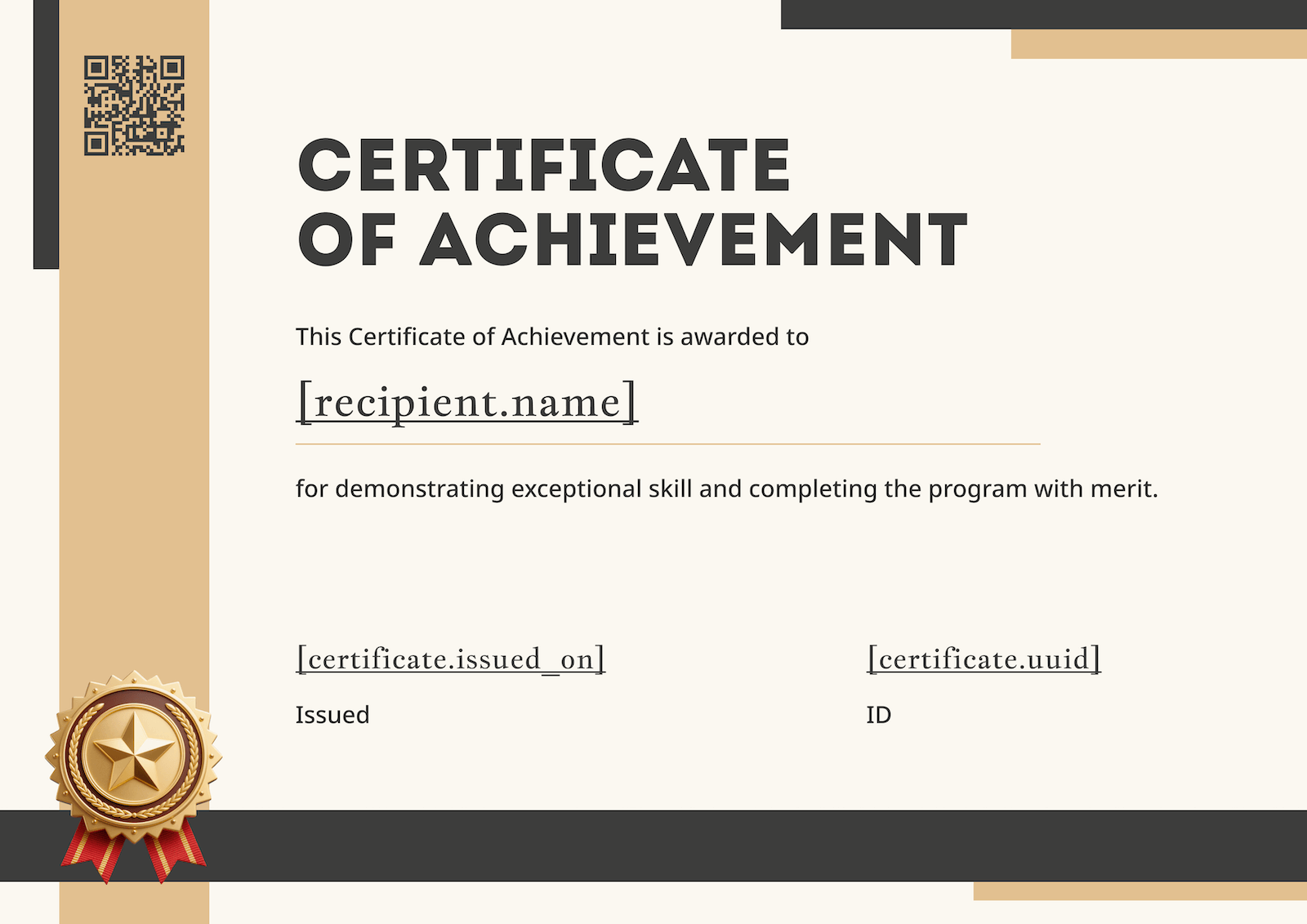
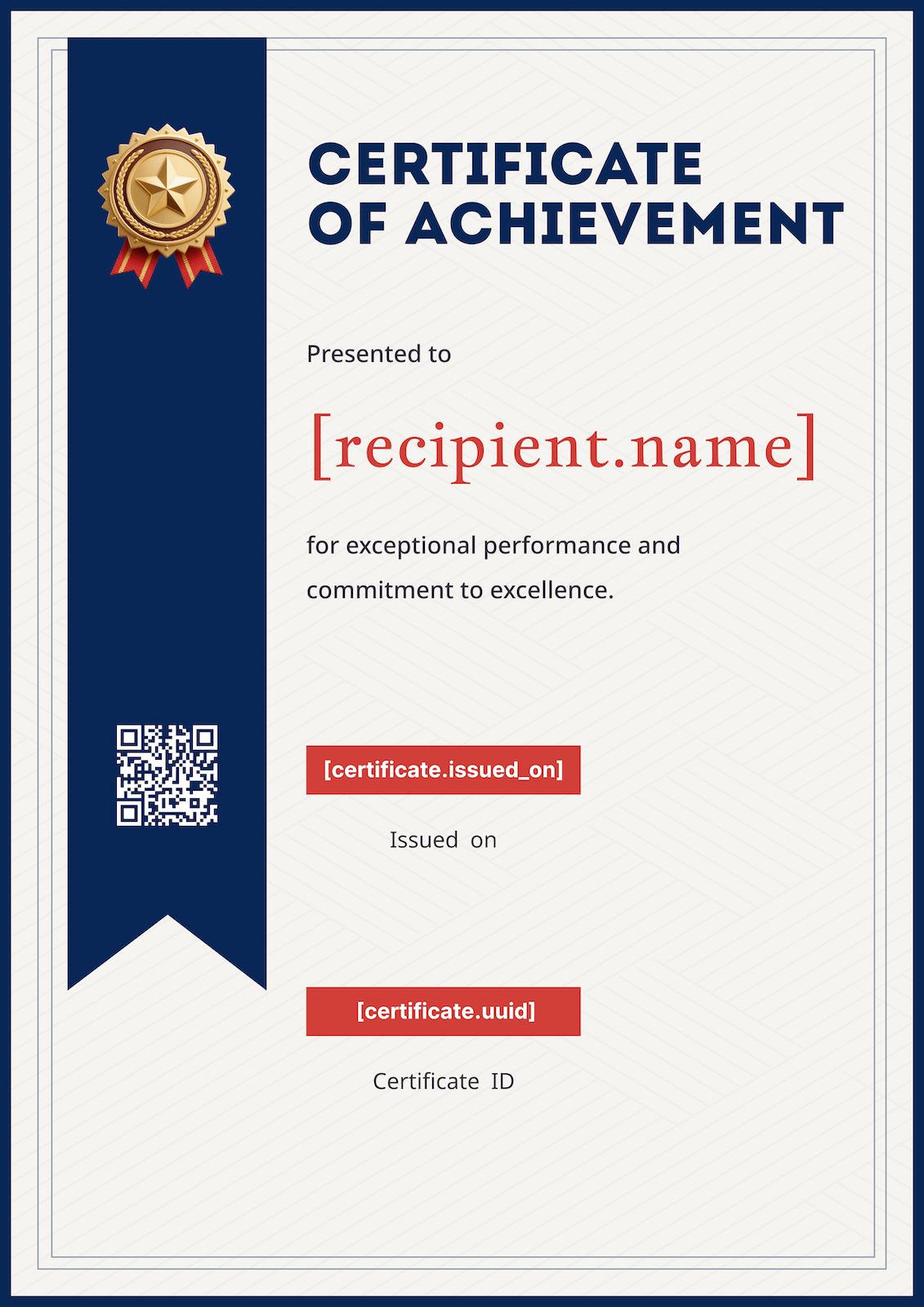
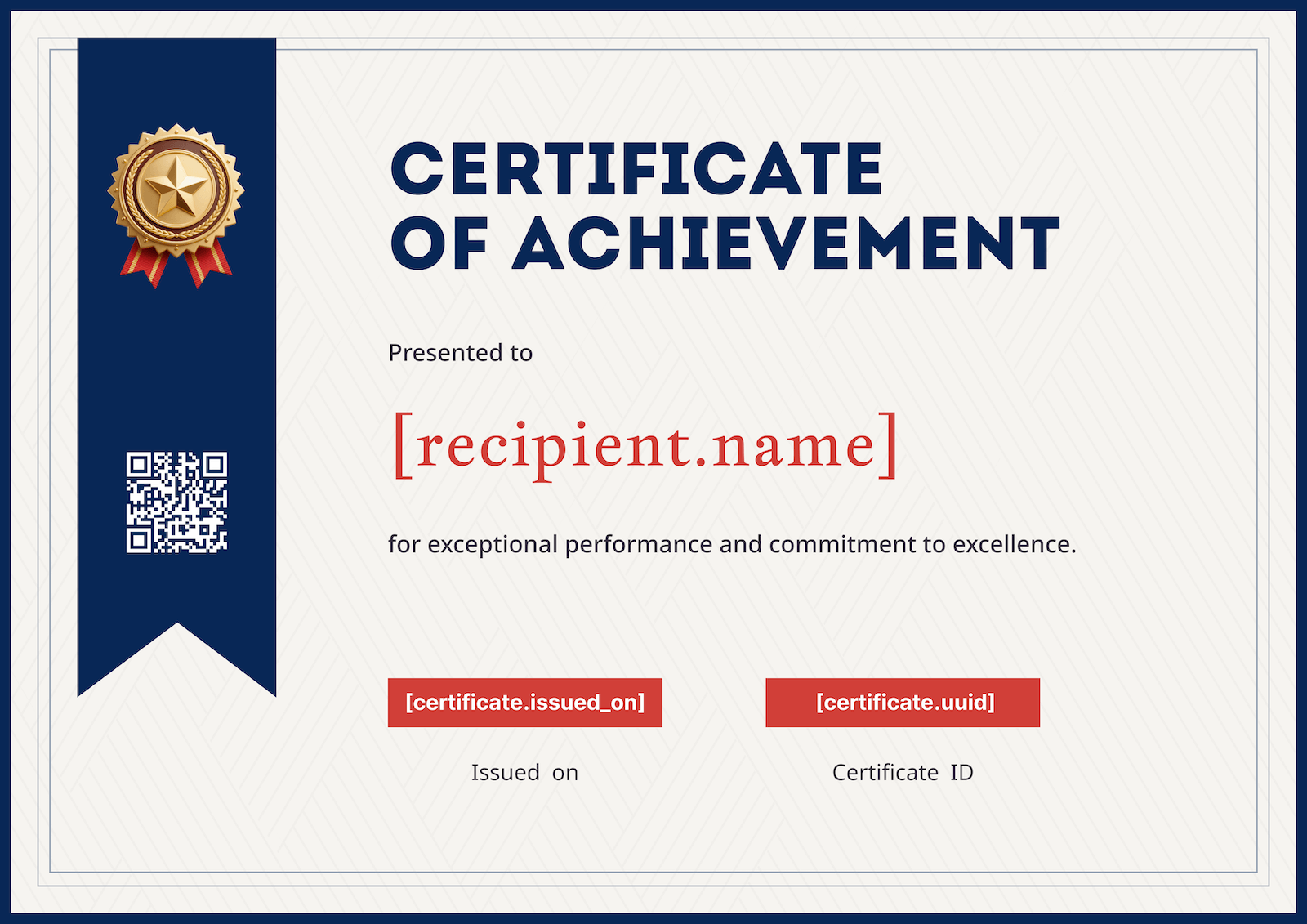
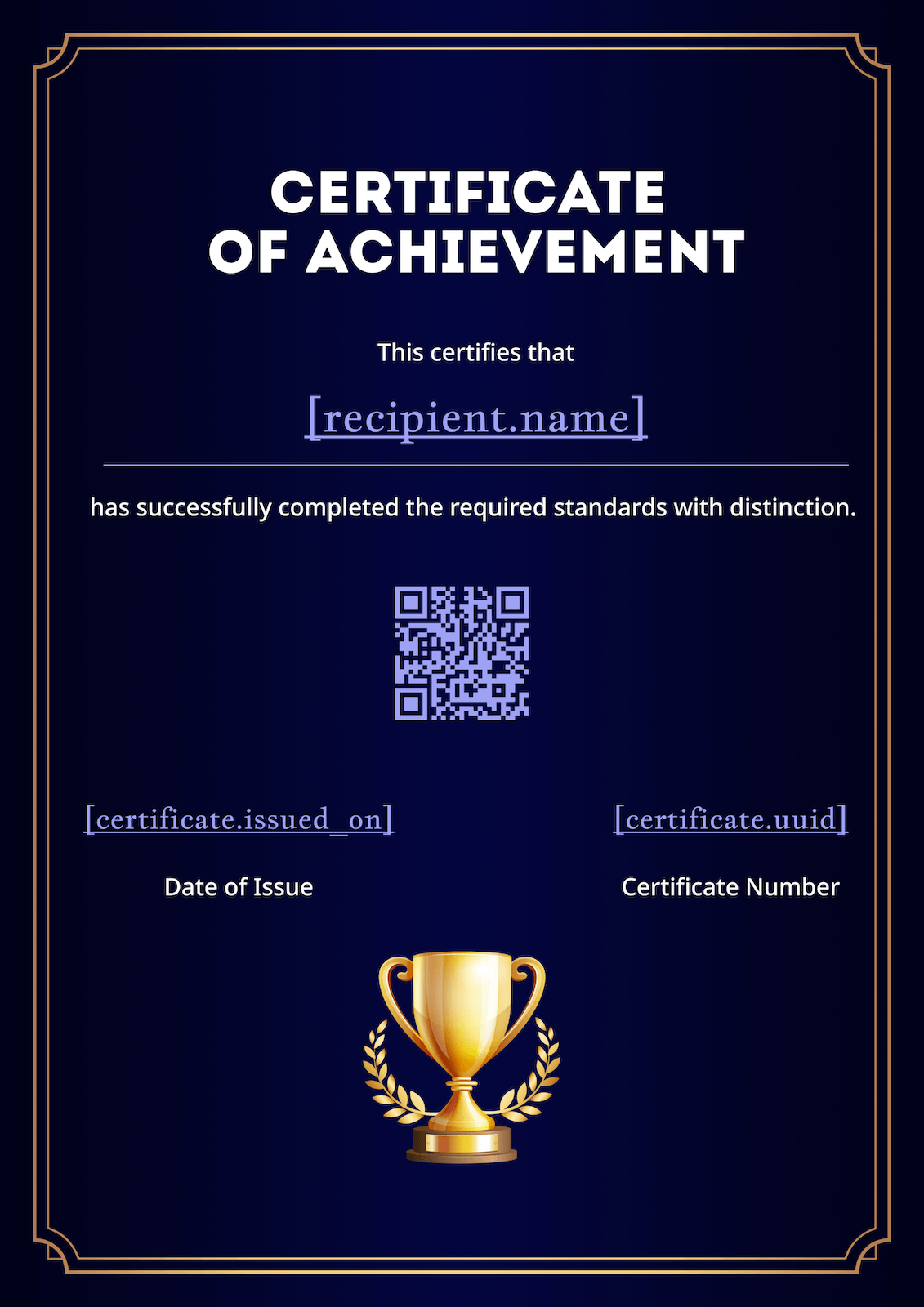
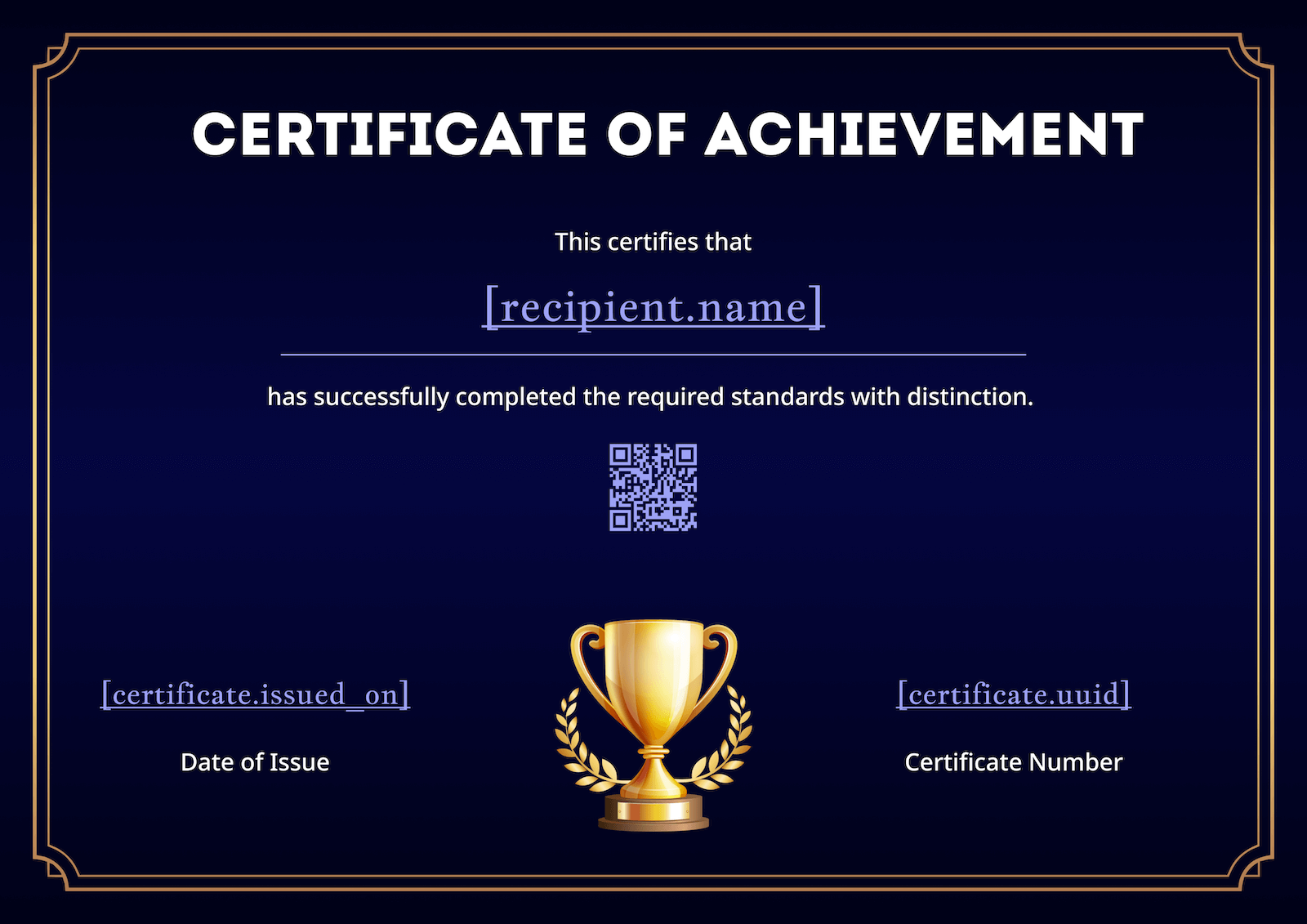
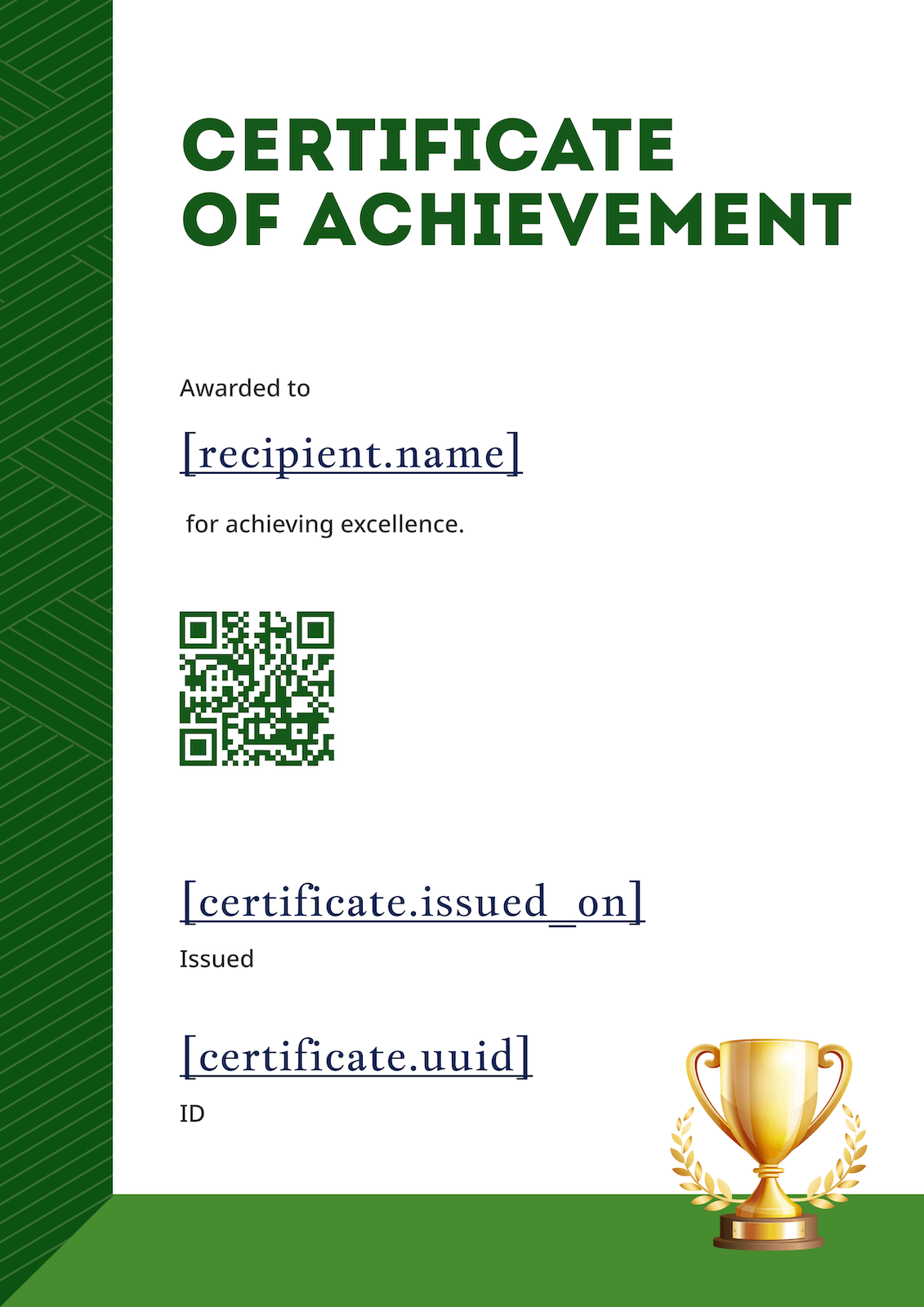
Choose from 50+ designs covering achievement, completion, participation, training, sports, kids and more.

2. Drop in name + details

Edit the recipient name, title, date, and your logo right in the browser — no design skills needed.

3. Download or auto-send

Export a single PDF, Word or Figma file — or let CertFusion auto-issue and email the whole list with a verifiable link.

50+ free certificate templates by category

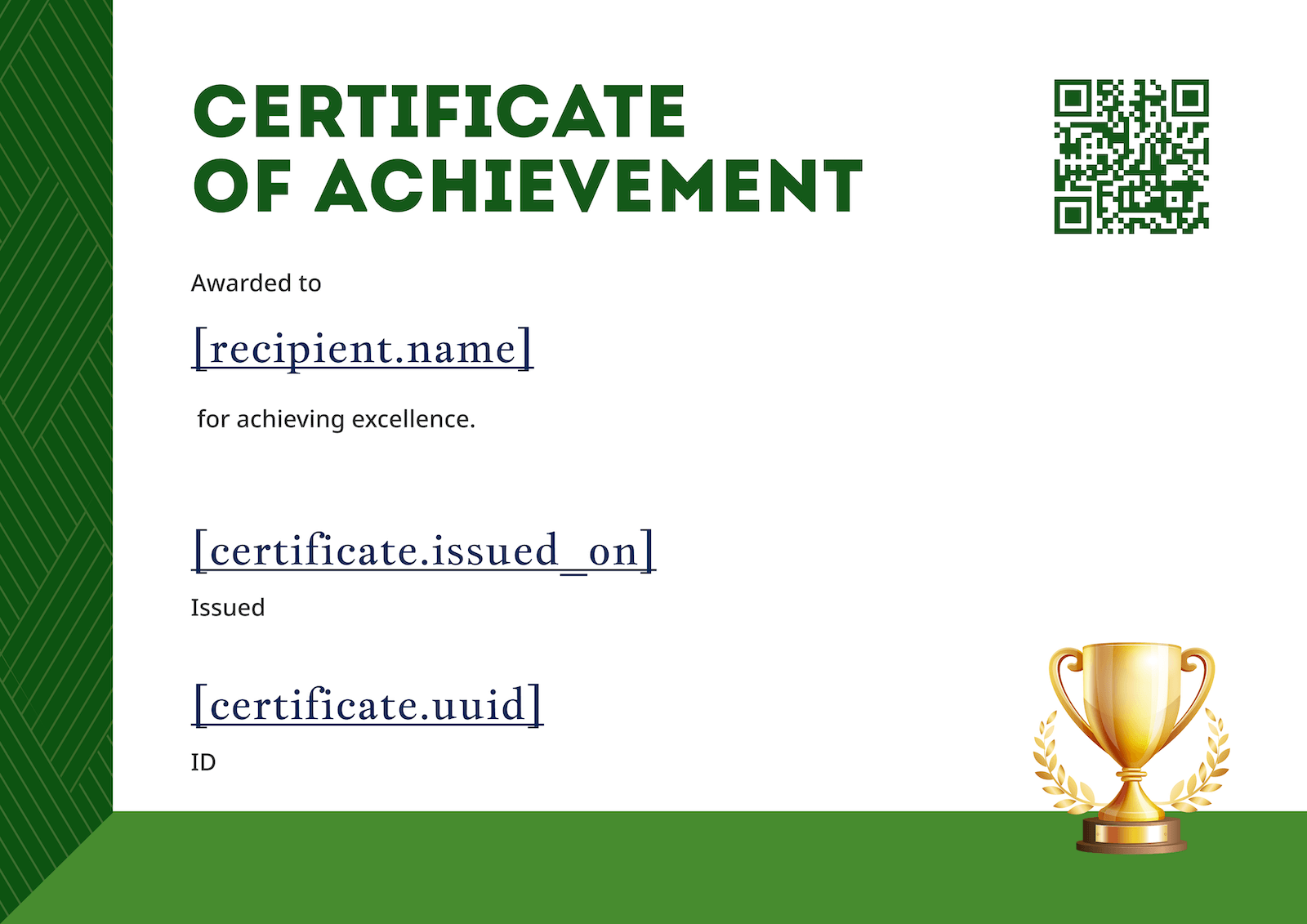
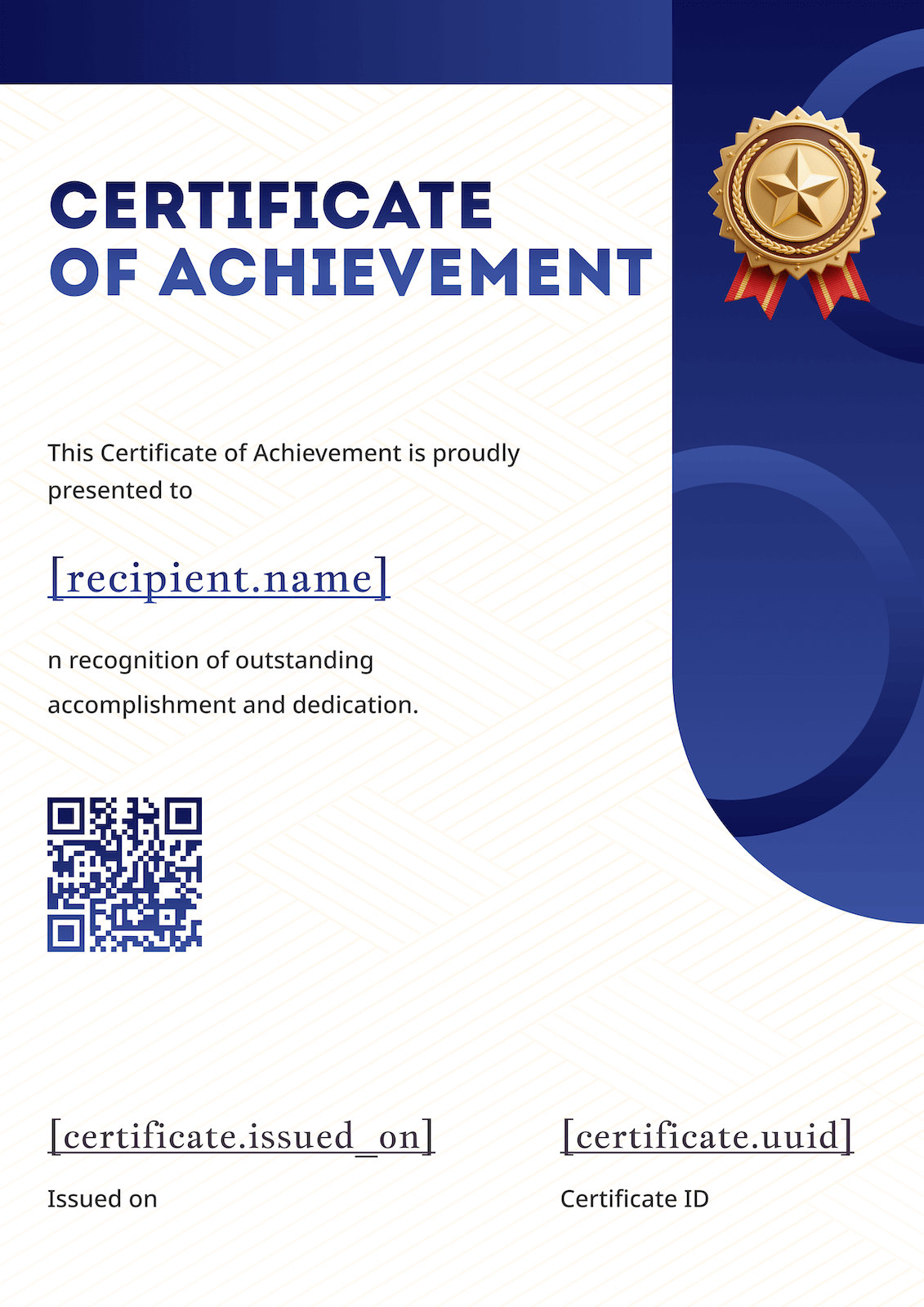
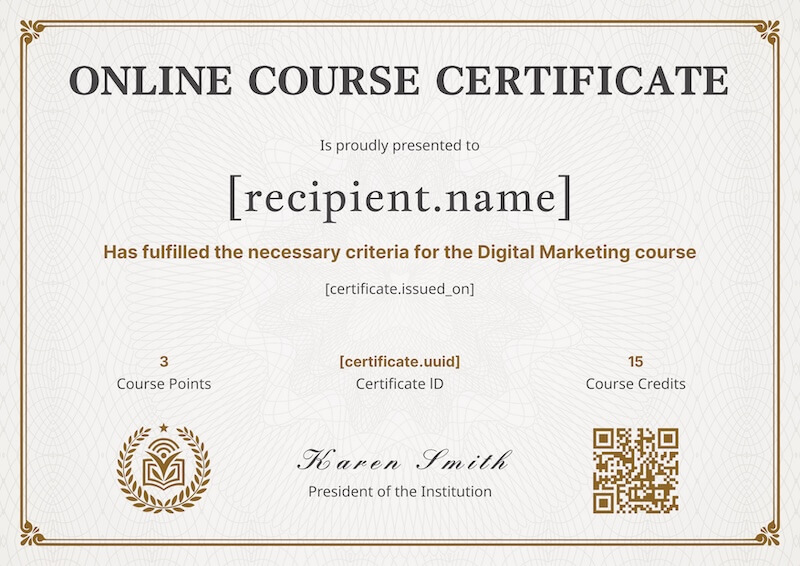
Every template is fully editable in the generator above. Categories include certificate of achievement generator, certificate of completion generator, certificate of participation generator, attendance, training, course, sports, kids, appreciation and volunteer certificate generator. Want to see them all? Browse all certificate templates.

Free certificate generator vs Canva, Adobe Express, Visme

Canva, Adobe Express and Visme are general-purpose design tools that happen to have certificate templates. CertFusion is purpose-built for certificates — which means bulk issue, verifiable links and CSV / form import are built in, not bolted on. Here's the honest breakdown.

Feature CertFusion Canva Adobe Express Visme
Free template editor
No signup to preview
Bulk issue from CSV
Verifiable shareable URL + QR
Typeform / Tally / Zoom / Webex integrations
Deep graphic-design tools (illustrations, photo edit)
Auto-email delivery to recipients

"You can make one cert anywhere. We make 200 in one click."

When a free tool isn't enough — bulk issue & verification

Generating one certificate at a time is fine for a single student or a one-off recognition. The free generator above does that perfectly — pick a template, edit, download, done.

The moment you need to send the same certificate to dozens or hundreds of people — webinar attendees, course graduates, training program completers — manual editing collapses. You need bulk issue: upload a CSV (or connect Typeform, Tally, Zoom, Google Meet, Webex) and CertFusion generates a personalized certificate for every recipient and emails it automatically. Each one gets a unique verification URL and QR code so a hiring manager or auditor can confirm the certificate is real.

L&D teams, course creators and event hosts use the same engine through specialized variants — the webinar certificate generator, the CPD / CME / CEU generator, and the digital certificate generator. For a primer on what makes a certificate auditable, see what makes a certificate of completion valid.

What you get free vs paid

Honest breakdown — no paywall surprises. See pricing for full details.

Capability Free generator (this page) CertFusion paid plans
Browse + edit all 50+ templates ✓ Unlimited ✓ Unlimited
Download as PDF / Word / Figma ✓ No watermark ✓ No watermark
Verifiable shareable URL + QR code
Bulk issue from CSV
Form / meeting integrations
Auto-email delivery to recipients

Frequently asked questions

Is it really free?

Yes. Pick a template, edit it, and download in PDF, Word or Figma — no signup, no watermark. Want verification links and bulk issue? Start a free CertFusion trial.

Can I download as PDF?

Yes. Every template exports as a print-ready PDF directly from the editor. You can also download as Word (.docx) or Figma.

Can I add my own logo?

Yes — upload your logo in the editor, place it anywhere, and adjust colors and fonts to match your brand.

Are the templates printable?

Yes. Every template exports at 300 DPI sized for US Letter and A4 paper.

Can I edit later?

With a free CertFusion account your designs are saved so you can come back, tweak details, and re-download or re-issue any time.

Do certificates have a verification page?

Yes — certificates issued through a CertFusion account get a unique verification URL and QR code anyone can use to confirm authenticity.

Can I make 100 certificates at once?

Yes. Upload a CSV or connect Typeform, Tally, Zoom, Google Meet, or Webex and CertFusion will generate and email a personalized certificate to every recipient in one click.

Ready to issue real, verifiable certificates?

Start a free CertFusion trial — verification URLs, QR codes, auto-email delivery and CSV / form import included.

Need higher volumes? See pricing.