Free Webinar Certificate Templates — 2026 Update (Participation, Attendance & Completion)
Why this is the 2026 hub for webinar certificate templates
Running the webinar is half the work. Sending every attendee a professional certificate afterwards is what makes
them remember it — and what gets your brand on their LinkedIn.
This page is the canonical CertFusion hub for free webinar certificate templates: 12 designs you can edit and
download in minutes, the difference between participation and attendance and completion certificates, and the
fastest way to auto-issue them at the end of every Zoom, Google Meet, or Webex session. For the deep dive on the
issuing workflow, jump to our step-by-step guide to issuing webinar
certificates. For
non-webinar events, see certificates of attendance for conferences and
seminars.
Participation vs attendance vs completion — which one fits your webinar?
These three certificate types look similar but mean very different things to a recipient (and to an auditor or
hiring manager). Pick the one that matches what you're actually recognising.
| Certificate type | What it means | When to use it | Example wording |
|---|---|---|---|
| Participation | Attendee took part in the session — no test, no minimum duration enforced | Free webinars, networking sessions, panel discussions, marketing webinars | "This is to certify that [Name] participated in [Webinar Title] held on [Date]." |
| Attendance | Attendee was present for the session, often with a minimum duration (e.g. ≥ 75% of the runtime) | Paid webinars, training workshops, CPD-tracked sessions | "This certifies that [Name] attended [Webinar Title] on [Date], duration: [X] minutes." |
| Completion | Attendee completed all required components — including any post-webinar quiz, assignment, or assessment | Multi-session courses, accredited training, programs with assessments | "This is to certify that [Name] successfully completed [Course / Program Name] on [Date]." |
If you're issuing for an accredited program or want to credit hours, see our CPD / CME / CEU
certificates generator. If you just need a fast
in-browser editor for a single participation certificate, use the certificate of participation
generator.
12 free webinar certificate templates
All 12 templates below open as live preview pages where you can edit in-browser, add your branding, and export.
Mix across participation, attendance, and completion styles — pick the one that matches your webinar's tone.
1. Professional Leadership Achievement Certificate
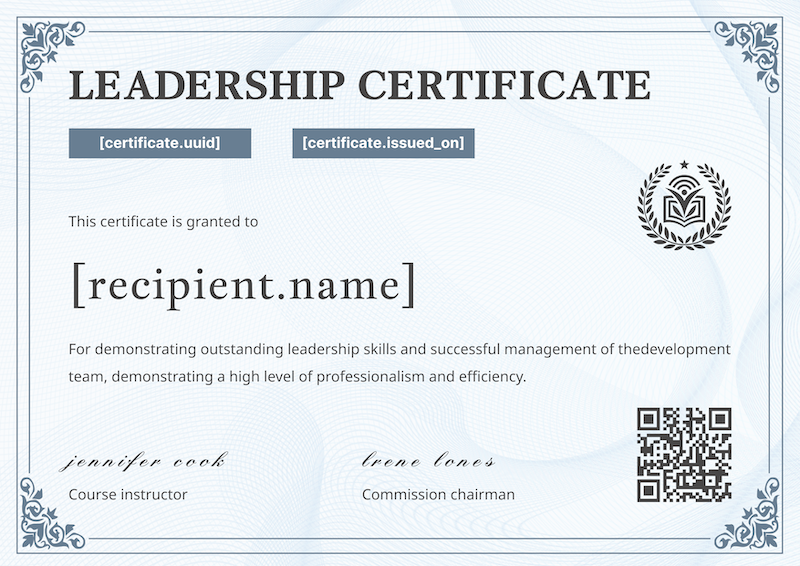
A classic, authoritative leadership achievement design for in-depth webinar series and training programs.
Displays the recipient's name, course details, and space for points or credit hours.
Open the professional leadership template
→
2. Executive Leadership Webinar Certificate
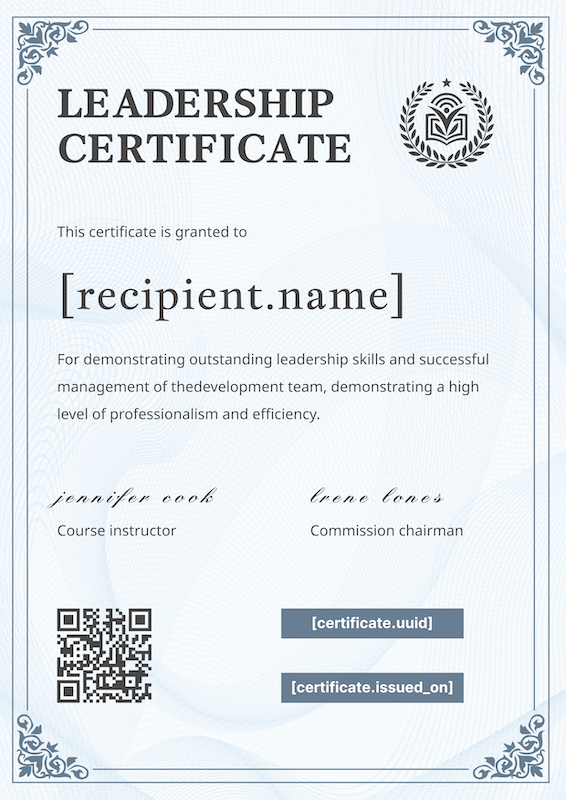
A sober, executive-grade leadership training certificate — the right tone for C-suite or senior-manager
webinars where Canva-style aesthetics would feel off.
Open the executive leadership template
→
3. Project Management Leadership Award
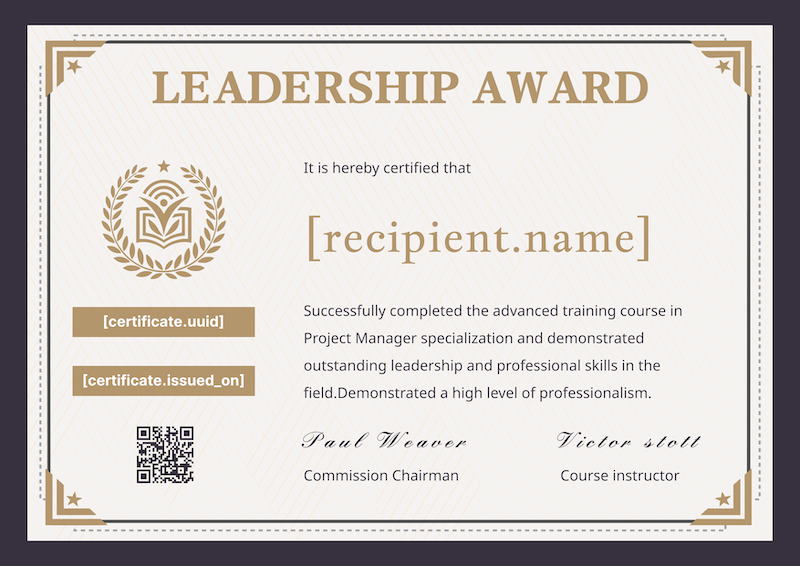
Premium project management webinar certificate featuring a "Leadership Award" title and gold accents. Fits
advanced PM courses and specialised project-leadership webinars.
Open the project management template
→
4. Advanced Leadership Recognition Certificate
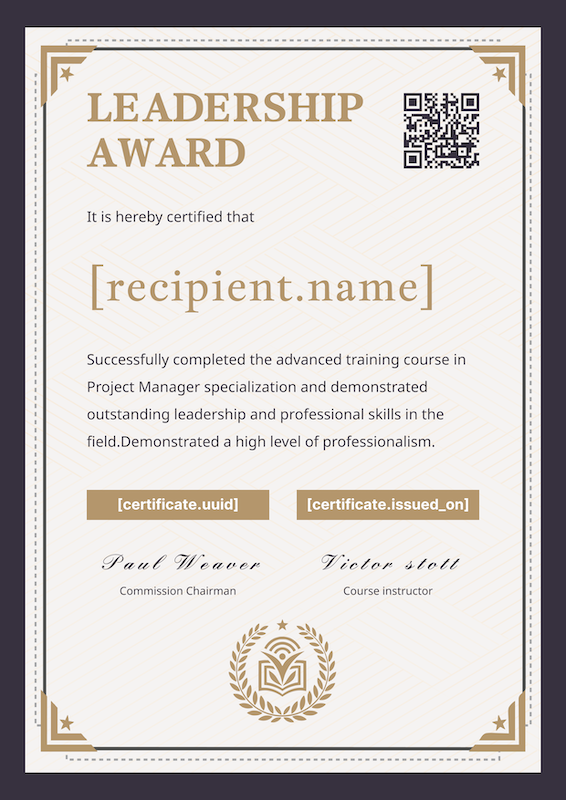
A contemporary leadership recognition layout with bold typography — designed for modern professional
development programs where the certificate itself is part of the brand impression.
Open the advanced leadership template
→
5. Corporate Leadership Development Certificate
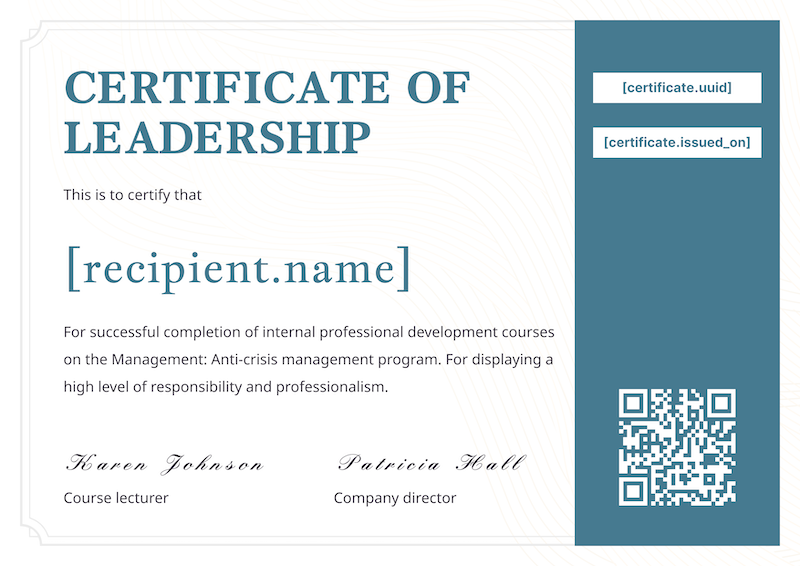
A flexible corporate leadership template that works for internal L&D webinars and external corporate training alike.
Open the corporate leadership template
→
6. Crisis Management Webinar Certificate
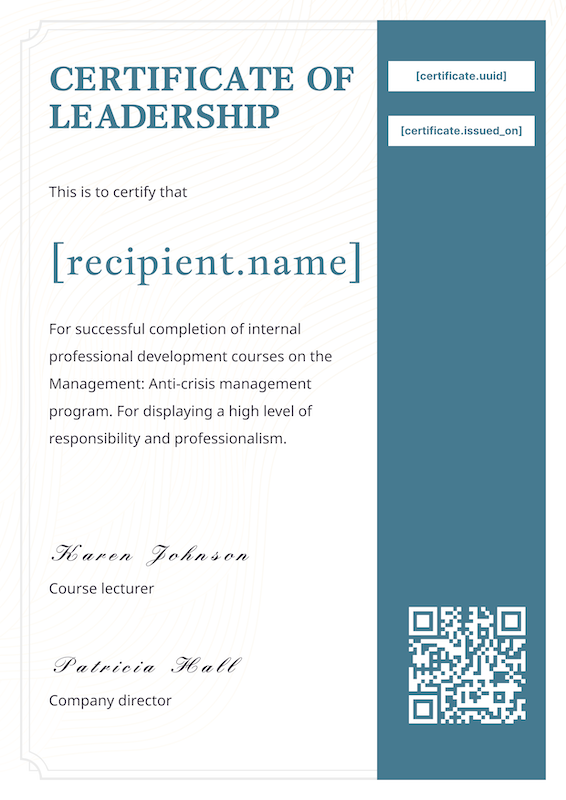
Designed for crisis-management and resilience training webinars — strong typography, clear completion date field, subdued colour palette.
Open the crisis management template →
7. Waste Management Leadership Certificate
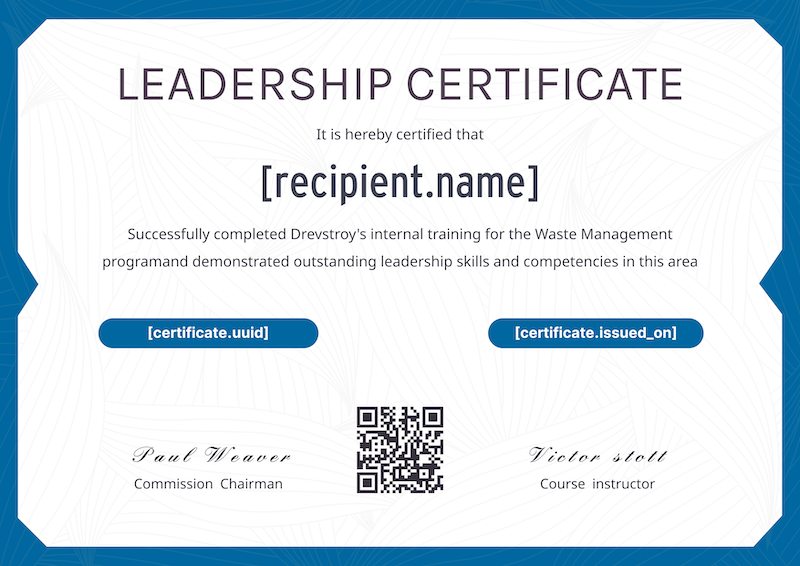
Vibrant sustainability and waste-management training certificate — fresh blue palette that works well for
corporate ESG webinars and environmental training programs.
Open the waste management template
→
8. Digital Marketing Webinar Certificate
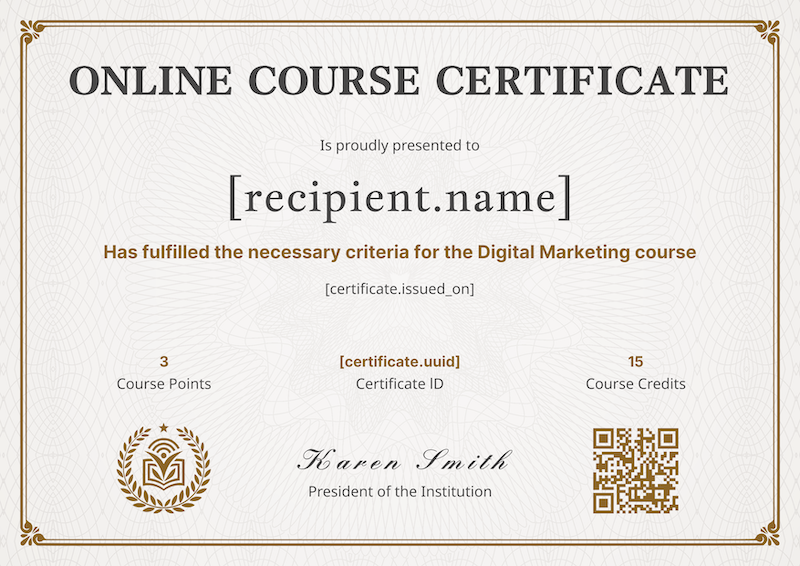
Built for digital marketing webinar series — the design accommodates a course title, instructor, and CPD-style hours block.
Open the digital marketing template
→
9. Modern Webinar Attendance Certificate
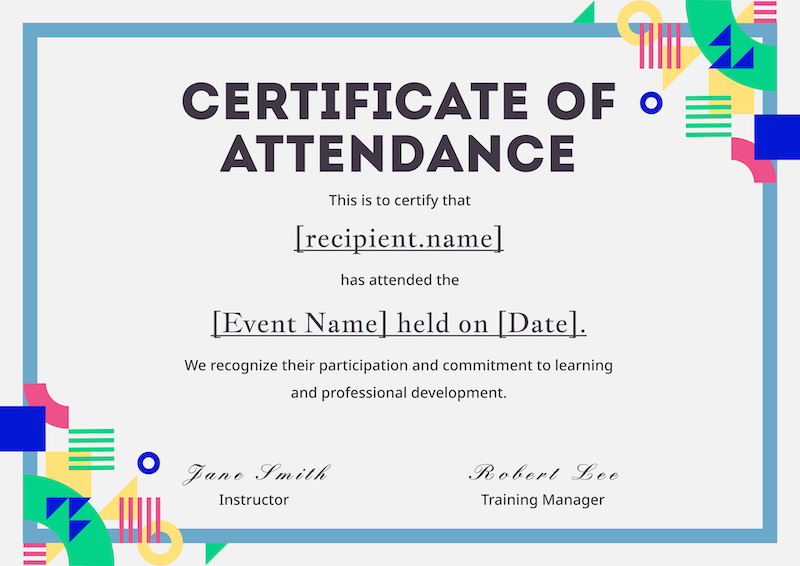
A clean, minimal modern attendance design for marketing webinars and product webinars — focused on the
recipient's name and the session title with no visual noise.
Open the modern attendance template
→
10. Creative Webinar Attendance Certificate
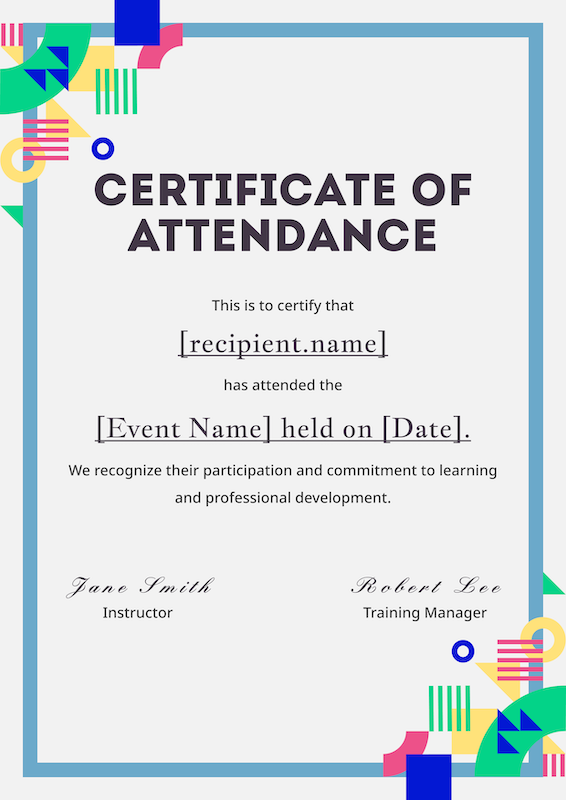
A bolder creative attendance layout for design, creative, and brand webinars — uses colour blocks and
asymmetric typography to stand out in a LinkedIn feed.
Open the creative attendance template
→
11. Completion Certificate with Gold Border

A premium completion layout with a gold border — fits multi-session courses where the certificate should feel like a real completion document, not a participation thank-you.
Open the gold border completion template
→
12. Clean Blue Border Training Completion Certificate
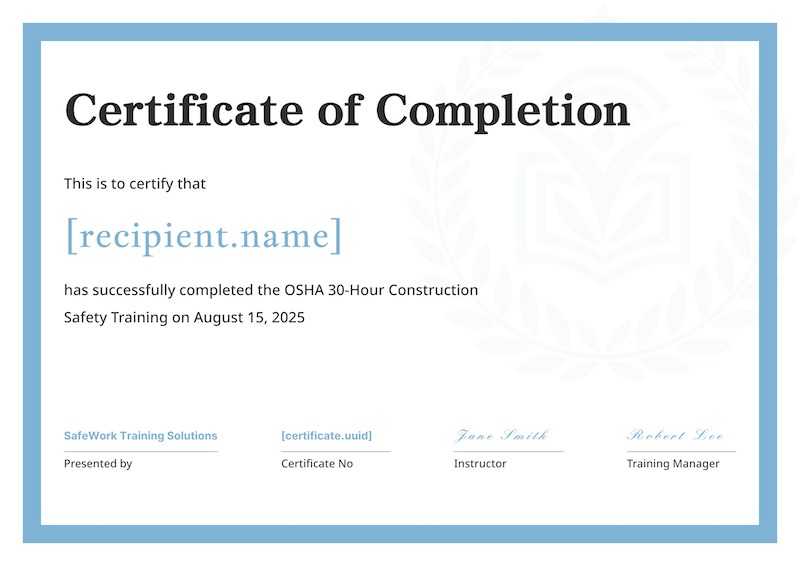
A clean, professional training completion template with a subtle blue border — use for safety, compliance, and technical skills webinars where clarity matters more than ornament.
Open the clean blue completion template
→
How to auto-issue after a Zoom, Google Meet, or Webex webinar
Manually emailing certificates to 200 attendees takes hours and gets a name wrong on at least one. Don't do it
manually — connect your webinar platform to the webinar certificate
generator once and every future session auto-issues at the
end:
- Connect Zoom, Google Meet, or Webex in the dashboard — one OAuth click per platform.
- Pick the session you just ran. CertFusion pulls in attendees with email + duration.
- Pick a template (any of the 12 above) and click Issue all. Every attendee gets a personalised certificate with a verifiable URL.
You can also drop in a CSV if your webinar platform isn't natively supported, or auto-generate certificates from
Google Forms for
registration-form-based events. Read the full walkthrough in the step-by-step guide to issuing webinar
certificates.
How attendees verify and share their certificate
A certificate without a verifiable record is a JPEG. Every certificate CertFusion issues gets three things
attendees actually use:
A public verification URL. Each certificate has a unique /verify/{id} page that shows the recipient name,
webinar title, issue date, and the issuing organisation. Hiring managers and CPD auditors can confirm the
certificate is genuine in one tap — no login, no support ticket.
A LinkedIn add-to-profile link. Recipients click once and the certificate is added to the Licenses &
Certifications section of their LinkedIn profile, with a link back to the verification page. Every share is free
organic reach for your next webinar.
A QR code on the certificate itself. When the certificate is printed or screenshotted into a portfolio, the QR code points back to the same verification page — so the verification holds even when the digital link is lost.
The verification page is server-rendered, so the content can't be edited by the recipient. To invalidate a
certificate later, you can delete the recipient from your dashboard — the verification URL returns a not-found
response immediately.
FAQ
Does a webinar participation certificate count for CPD or CME?
It depends on the accreditor. A participation certificate alone usually isn't enough — most CPD and CME bodies
require credit hours, the accredited provider's name and ID, and an attendance threshold. Use a completion
certificate with credit hours included; our CPD / CME / CEU
certificates generator gives you all the required
fields out of the box.
What's the difference between a webinar participation and attendance certificate?
Participation means the recipient took part — no minimum duration is enforced. Attendance means the recipient was
present for a defined portion of the session, typically 75% or more. Use participation for marketing webinars and
panel discussions; use attendance for paid webinars, training workshops, and any session where time-on-screen
matters.
Can I issue certificates only to attendees who stayed X minutes?
Yes. When you import attendees from Zoom, Google Meet, or Webex, CertFusion pulls each attendee's session
duration. Filter the list by minimum minutes attended before bulk-issuing — only the attendees who met your
threshold get a certificate.
Can I retroactively issue a certificate to a no-show?
Yes. Add the recipient manually to the list and issue. The certificate looks identical to the auto-issued ones and gets the same verifiable URL. This is also how you handle late VIP requests after the session ends.
Are these templates free to use commercially?
Yes. All 12 templates are free for commercial and personal use. Customise the colours, swap in your logo, change
the wording — there are no watermarks and no attribution requirement. If you issue at scale via CertFusion, see
pricing for plan details.
Picking a template, then automating the rest
Pick whichever of the 12 templates above fits the tone of your webinar — participation for free events, attendance for paid training, completion for multi-session programs. Customise the brand colours and logo, then connect your webinar platform once. From the next session onward, every attendee gets their certificate automatically, with a verification URL they can share and an audit trail you can defend.
If you're also evaluating the broader market, see our roundup to compare webinar certificate
tools.
Table of Contents
Related Articles
Discover more insights and stories that might interest you